 Aurea
Every reaction, one dropdown
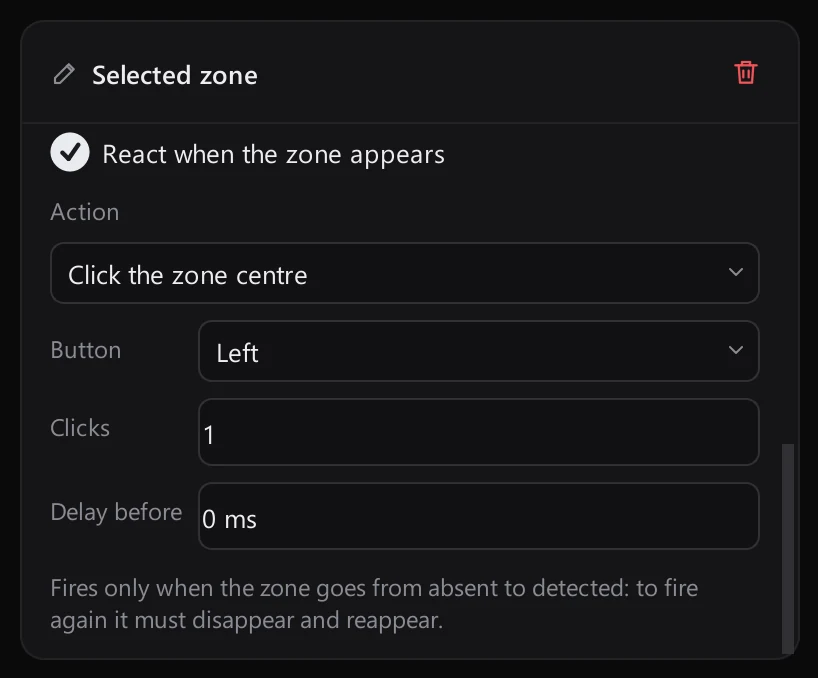
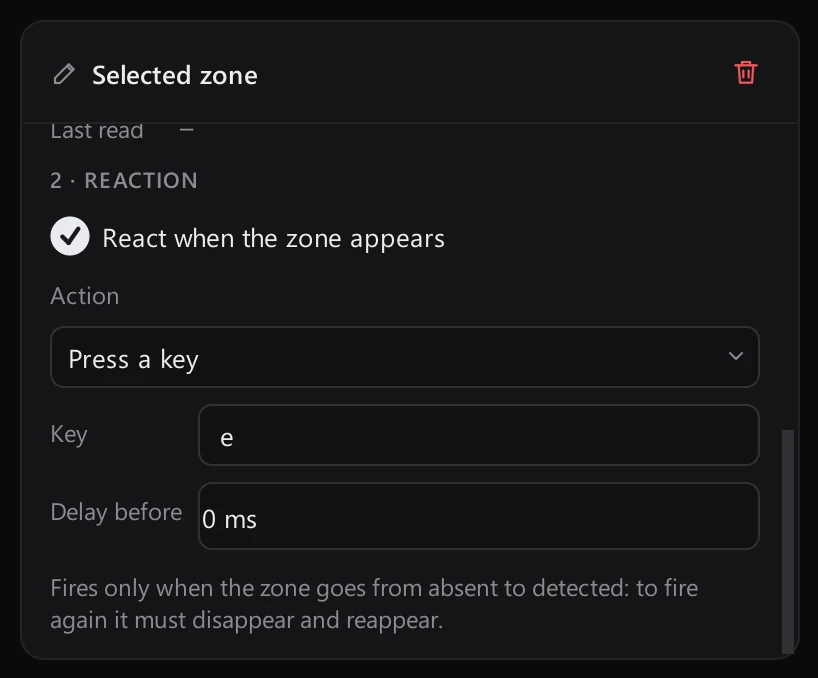
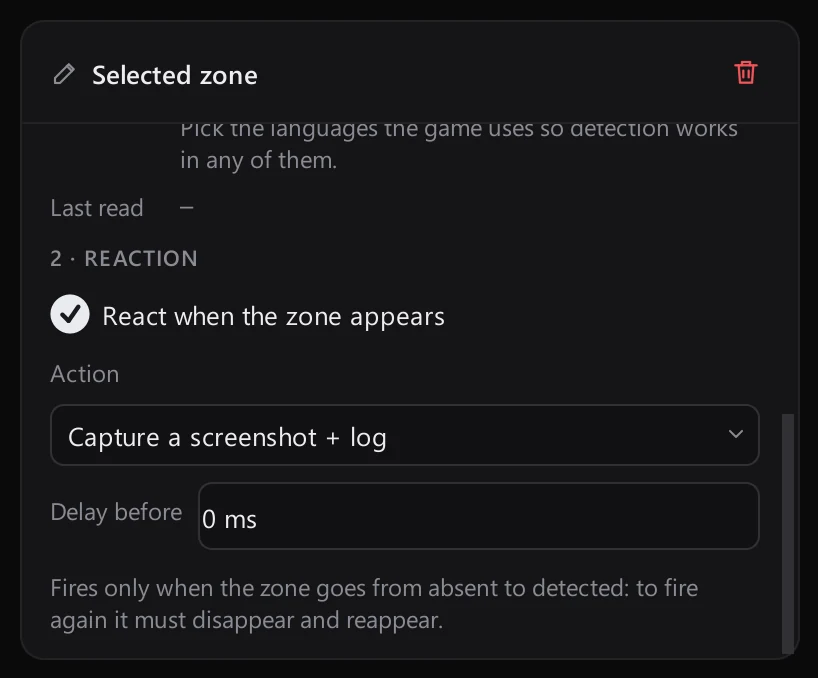
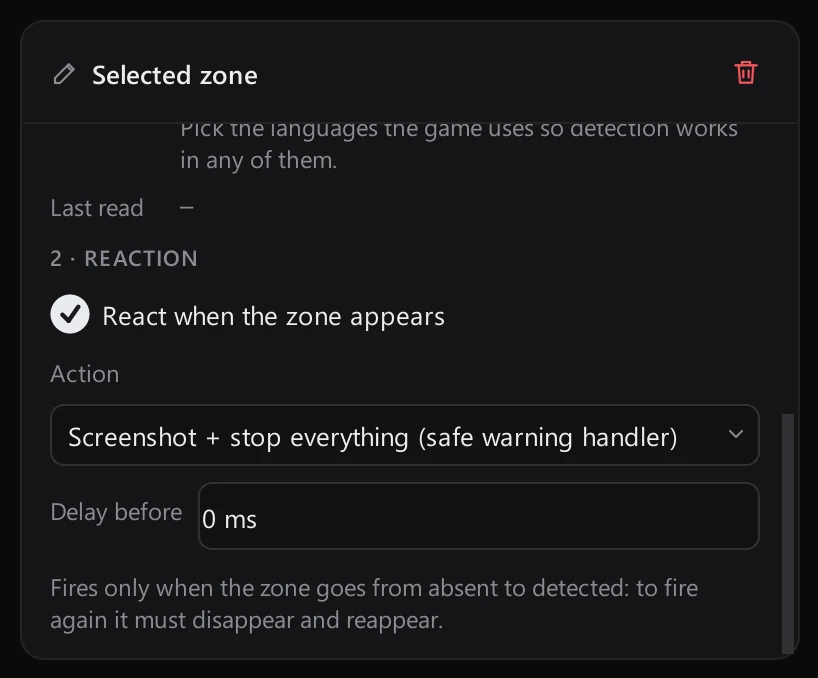
Each zone gets its own reaction, with an optional delay. It fires when the zone goes from absent to detected.
Click the zone centre or the element that was found.
Send any key the moment the zone appears.
Keep a full-screen capture in the Detection log.
Capture the screen and stop everything at once.
Visual scenarios
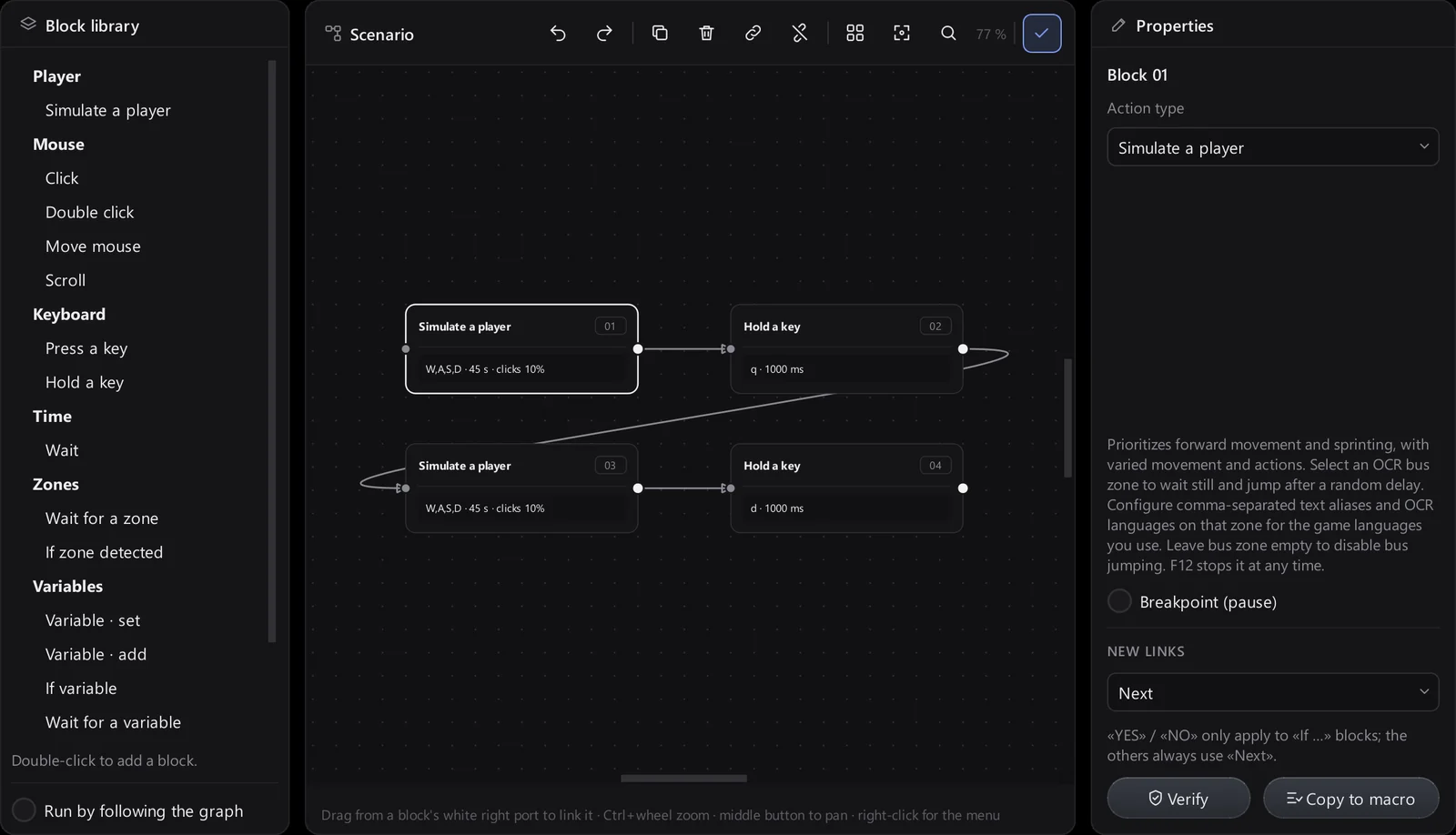
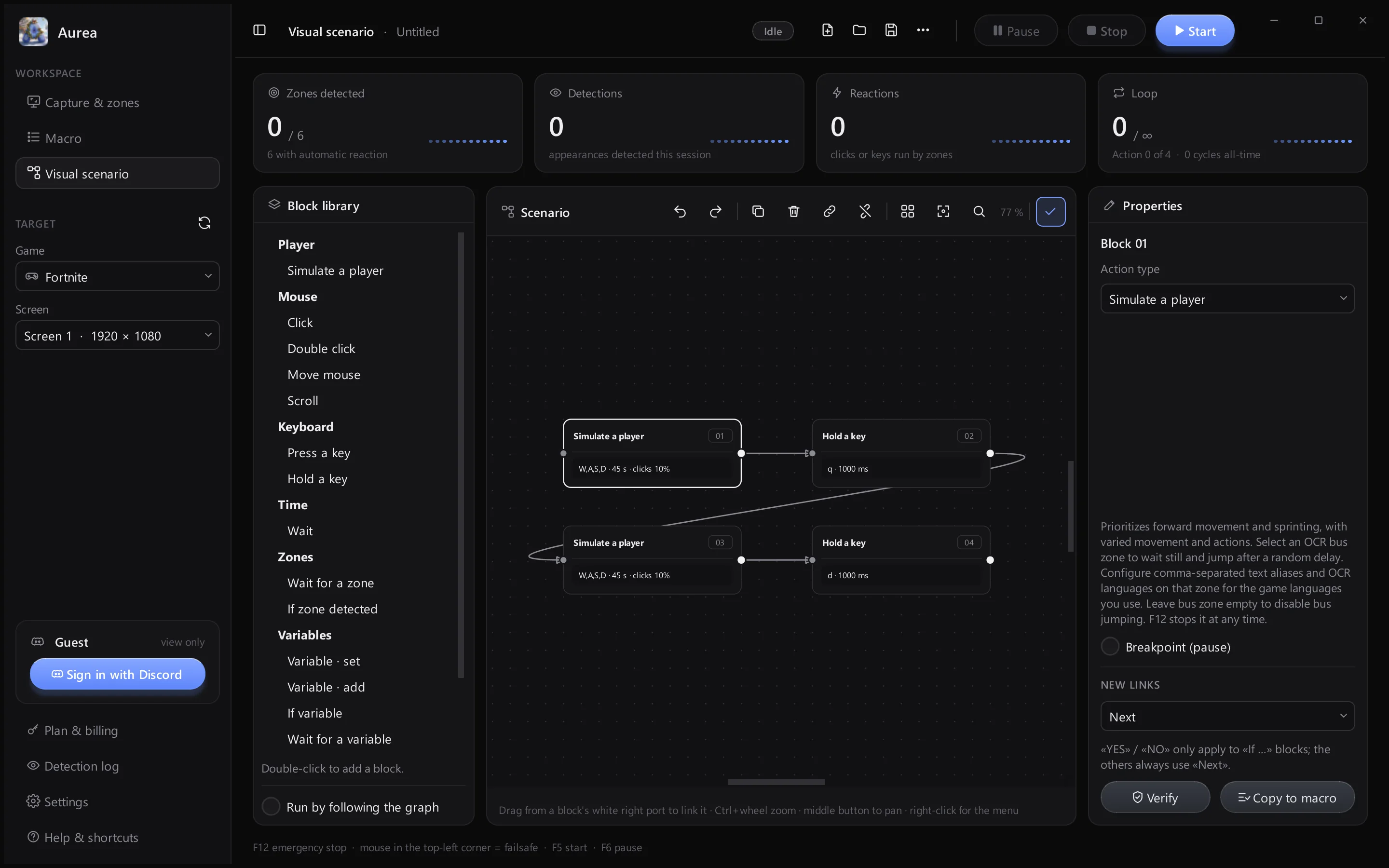
Node editorDouble-click a block in the library to add it, drag from its white port to link it, and verify the graph before you run it.
Game lock
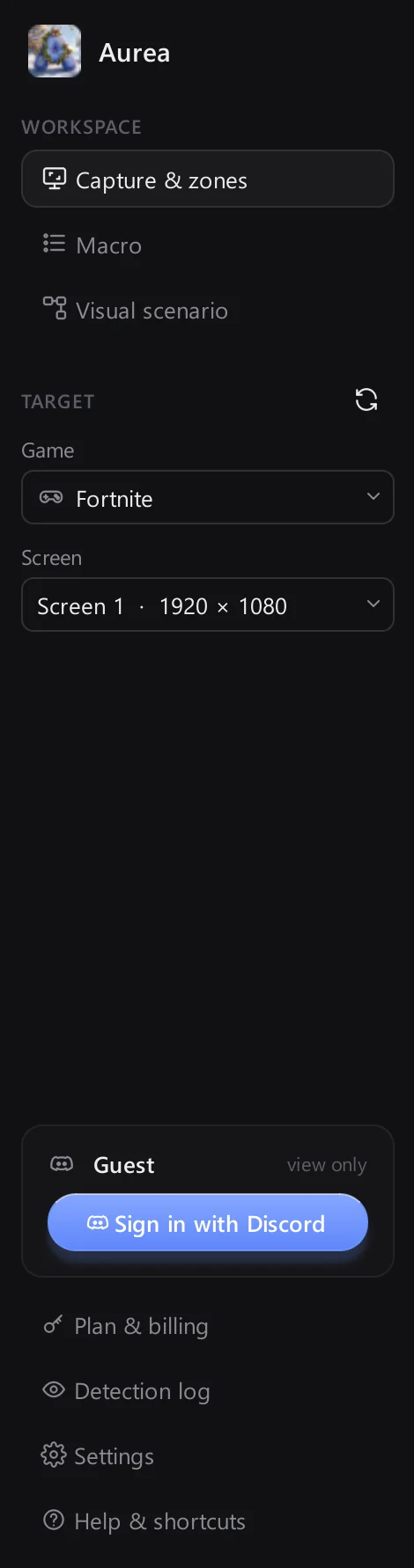
Choose your game in the sidebar. Aurea sends input only while that window is in front.
- Input only to the chosen game
- Pick the screen to watch
Player simulation
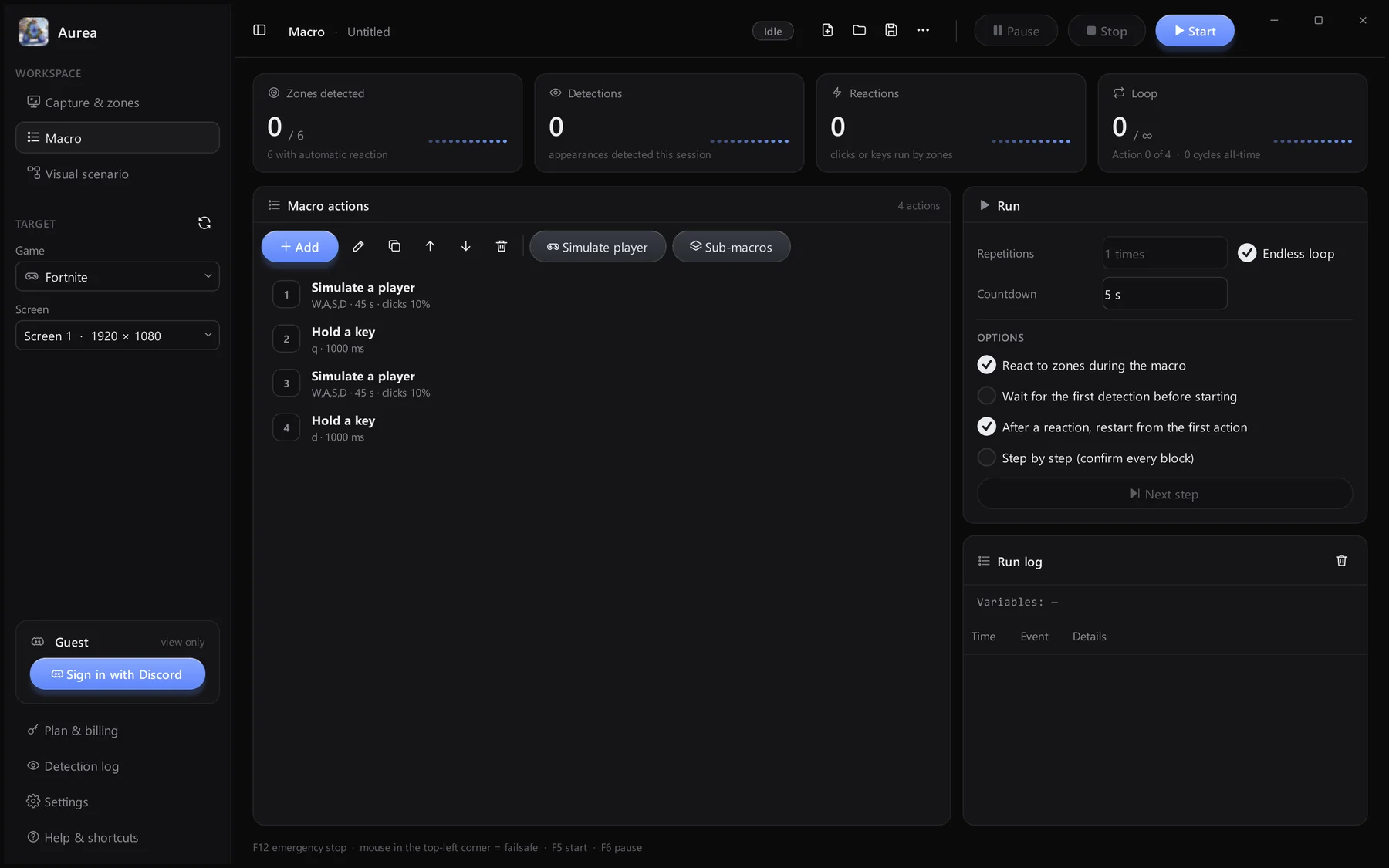
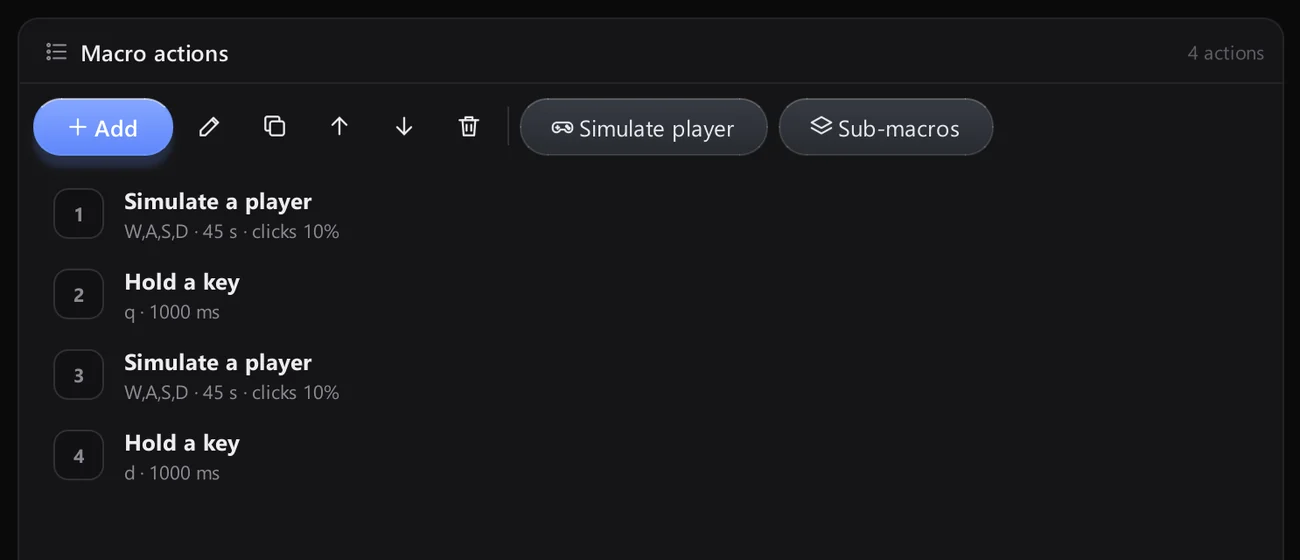
Add a «Simulate a player» action to your macro: varied movement, sprinting, jumping and looking around, with F12 to stop at any time.
- Varied, random movement
- Lives in your macro
Safe by design
Always one key away
F12 stops everything. Moving the mouse into the top-left corner does too.

Start, pause, stop
Clear controls in the top bar.

Loop counter
Cycles this run and all-time.