Most macros click blind. Aurea watches first.

The Windows toolkit for screen-zone detection, macros and visual scenarios.
Free for your first 2 hours.

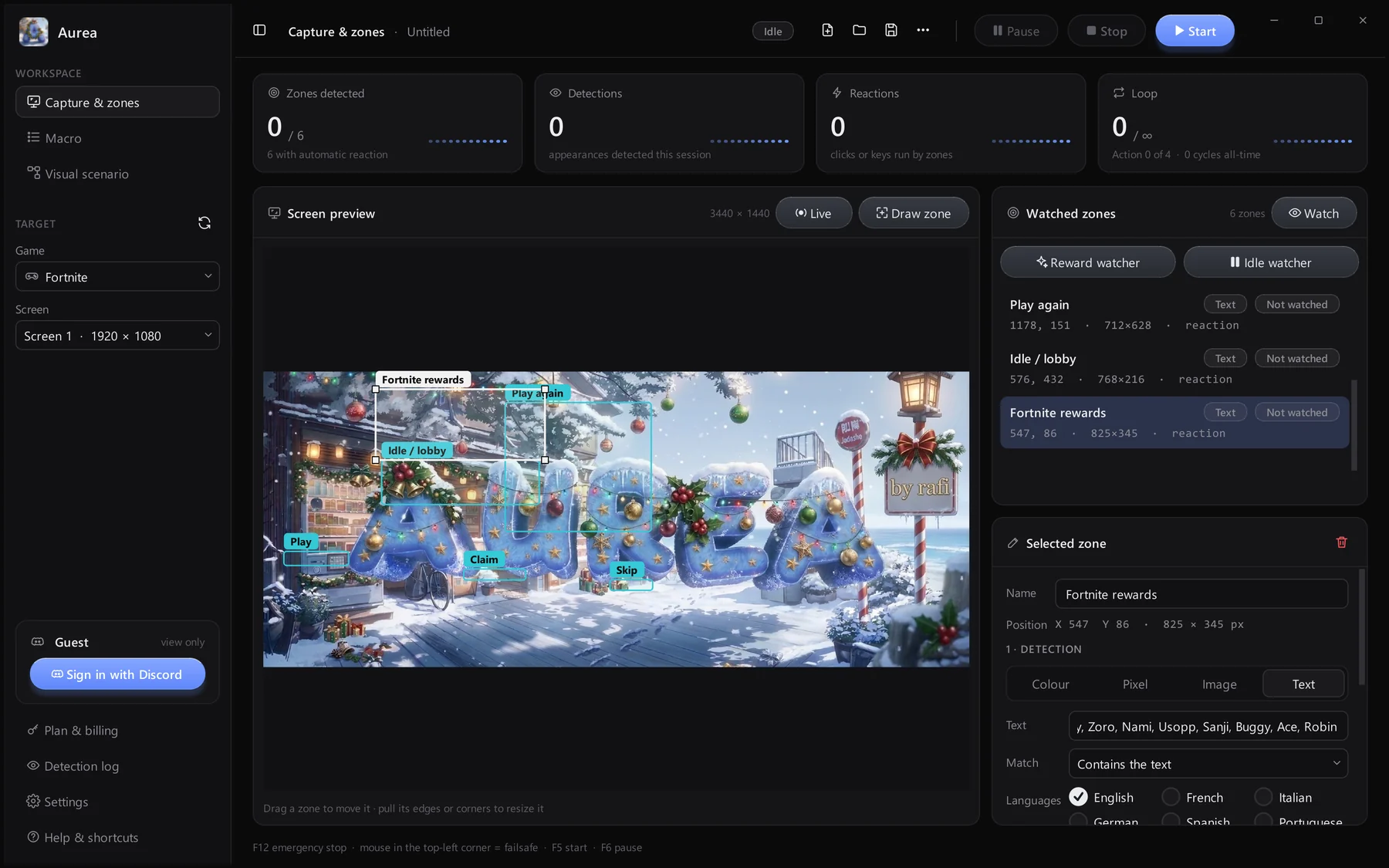
Aurea: Capture and zones page

Works with anything on your Windows screen:

Always one zone away

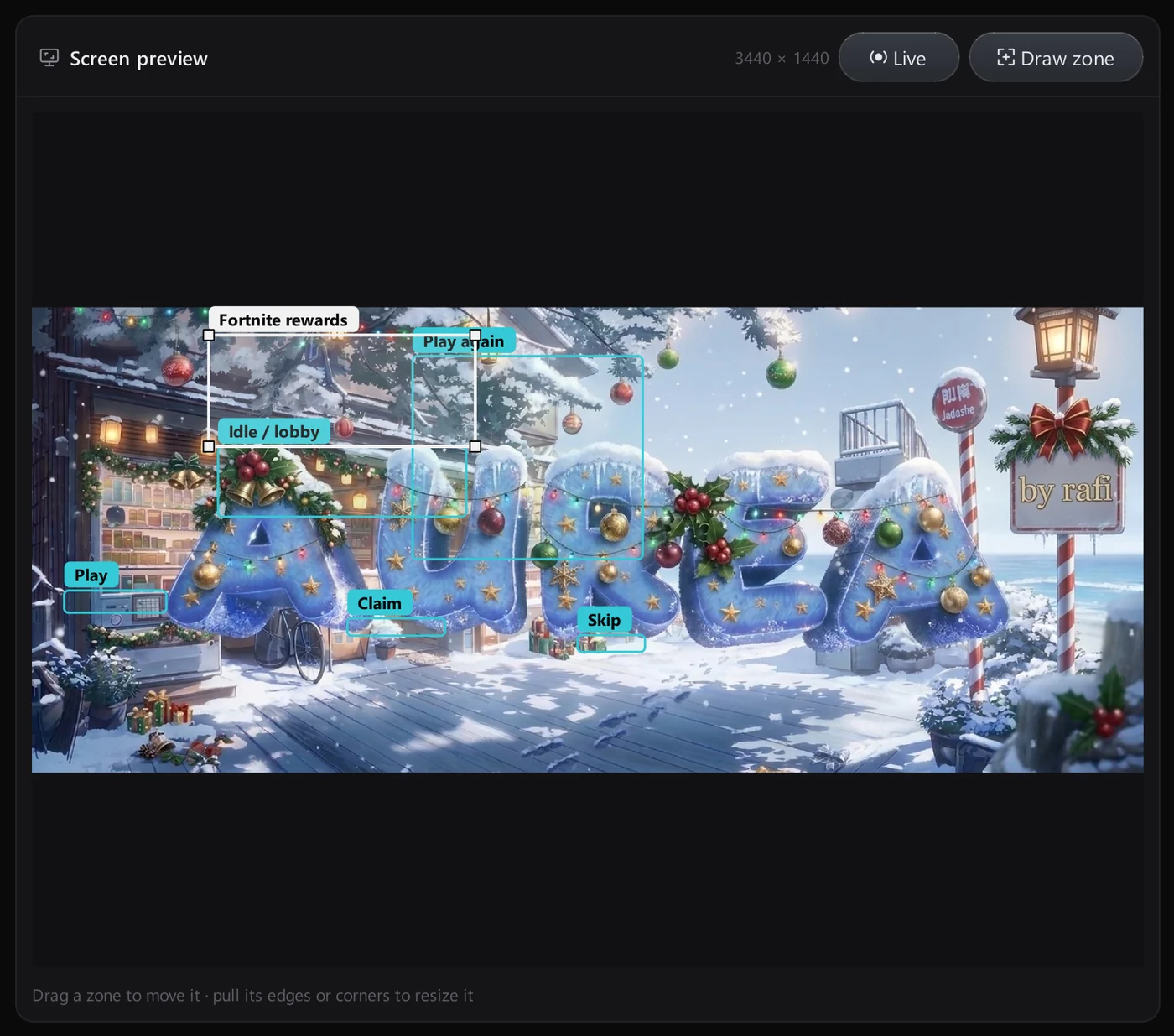
Drag a box on the live preview of your screen and it is watched instantly. Each zone shows its name right on the picture, so you always know what Aurea is looking at.
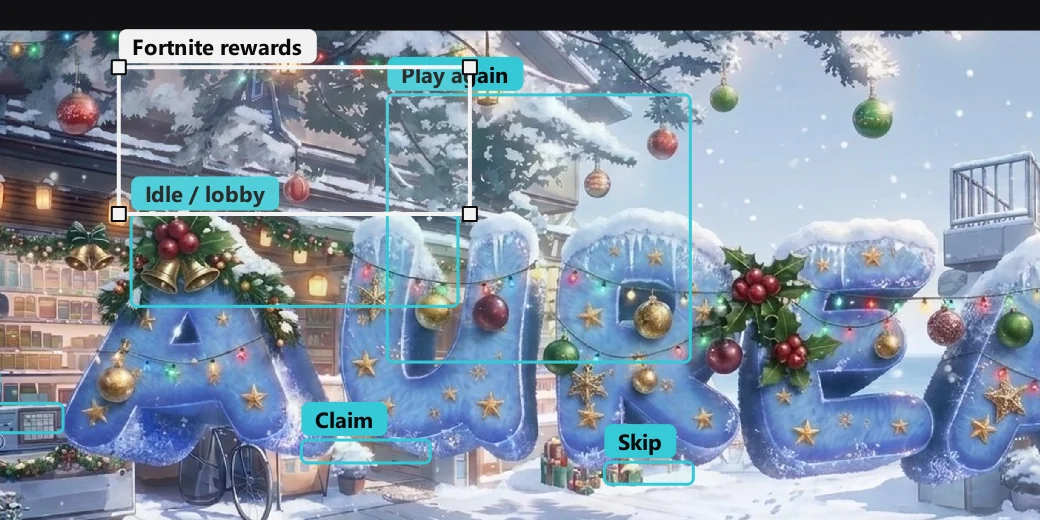
Zones drawn on the screen preview

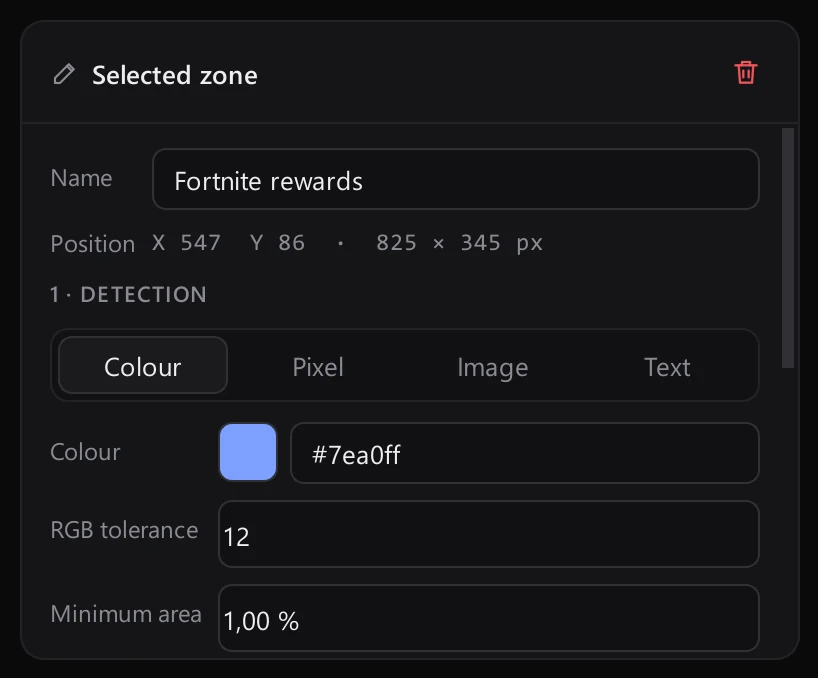
Four detectors, one inspector

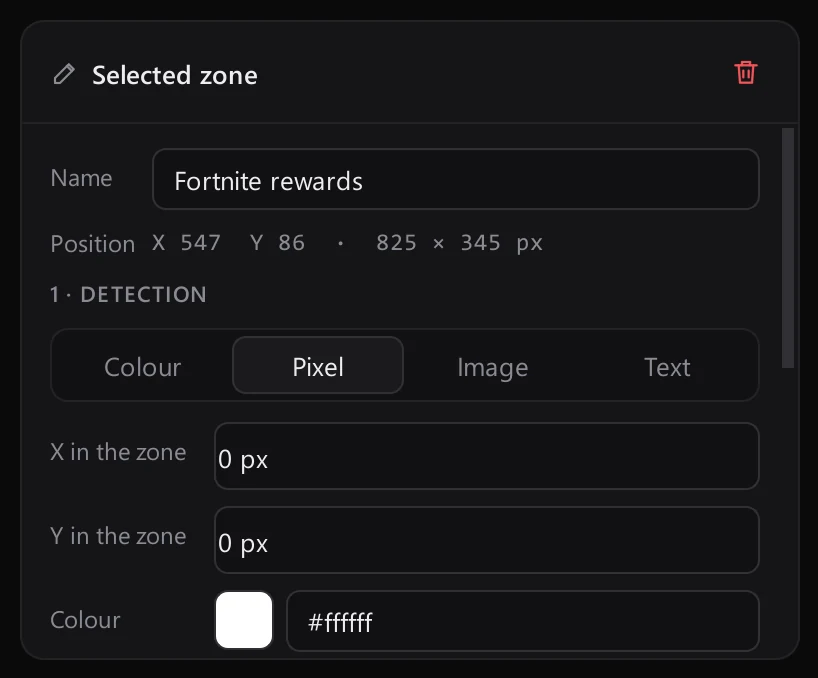
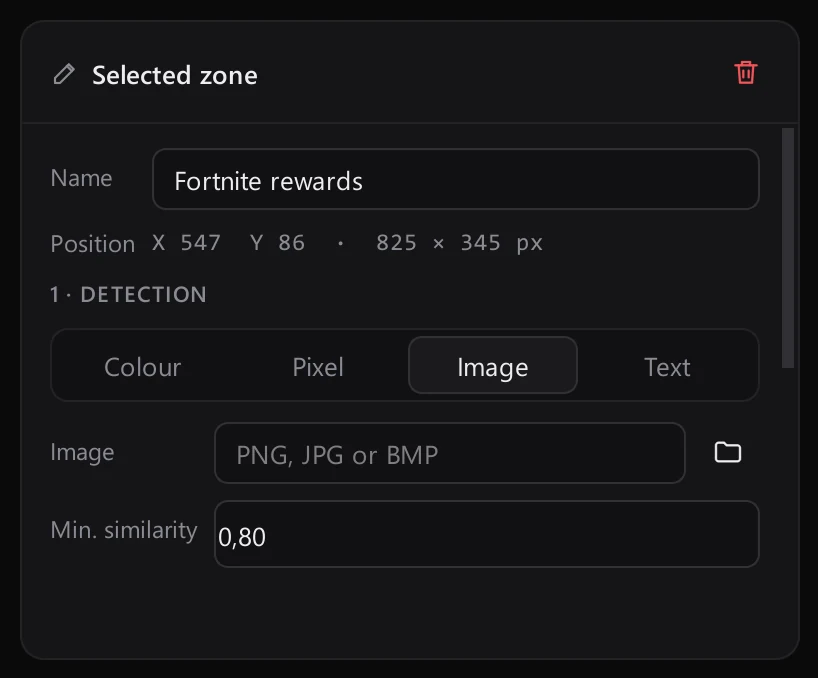
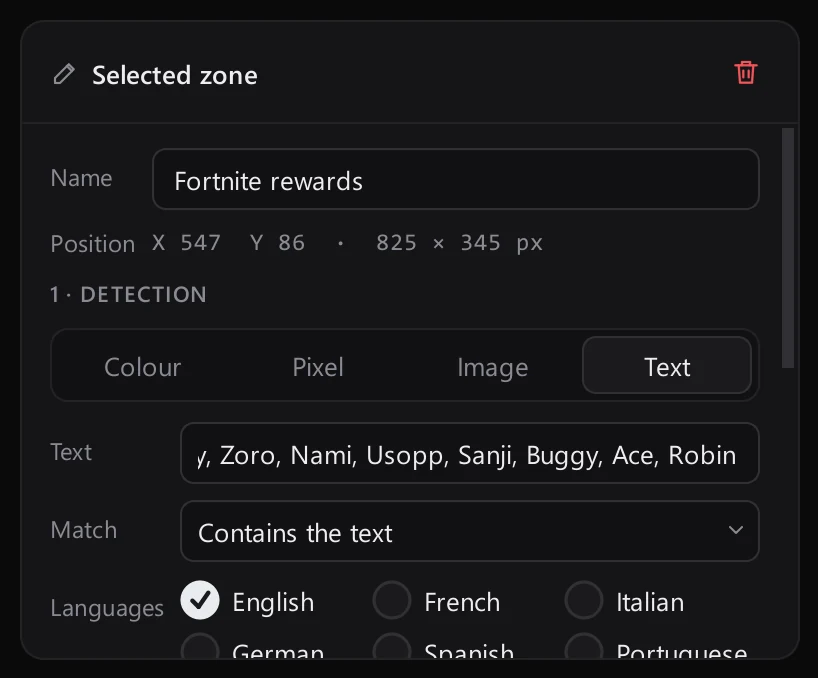
Every zone has its own detector. Switch between colour, pixel, image and text in the zone inspector, and the right settings appear.

01

Colour

Pick a colour and a tolerance. The zone fires the moment that shade fills enough of it.

02

Pixel

Watch a single pixel and react the instant it changes.

03

Image

Give Aurea a reference picture and it finds it anywhere inside the zone.

04

Text

Read the zone with OCR and match any of your keywords, in up to eight languages.
ColourPixelImageText
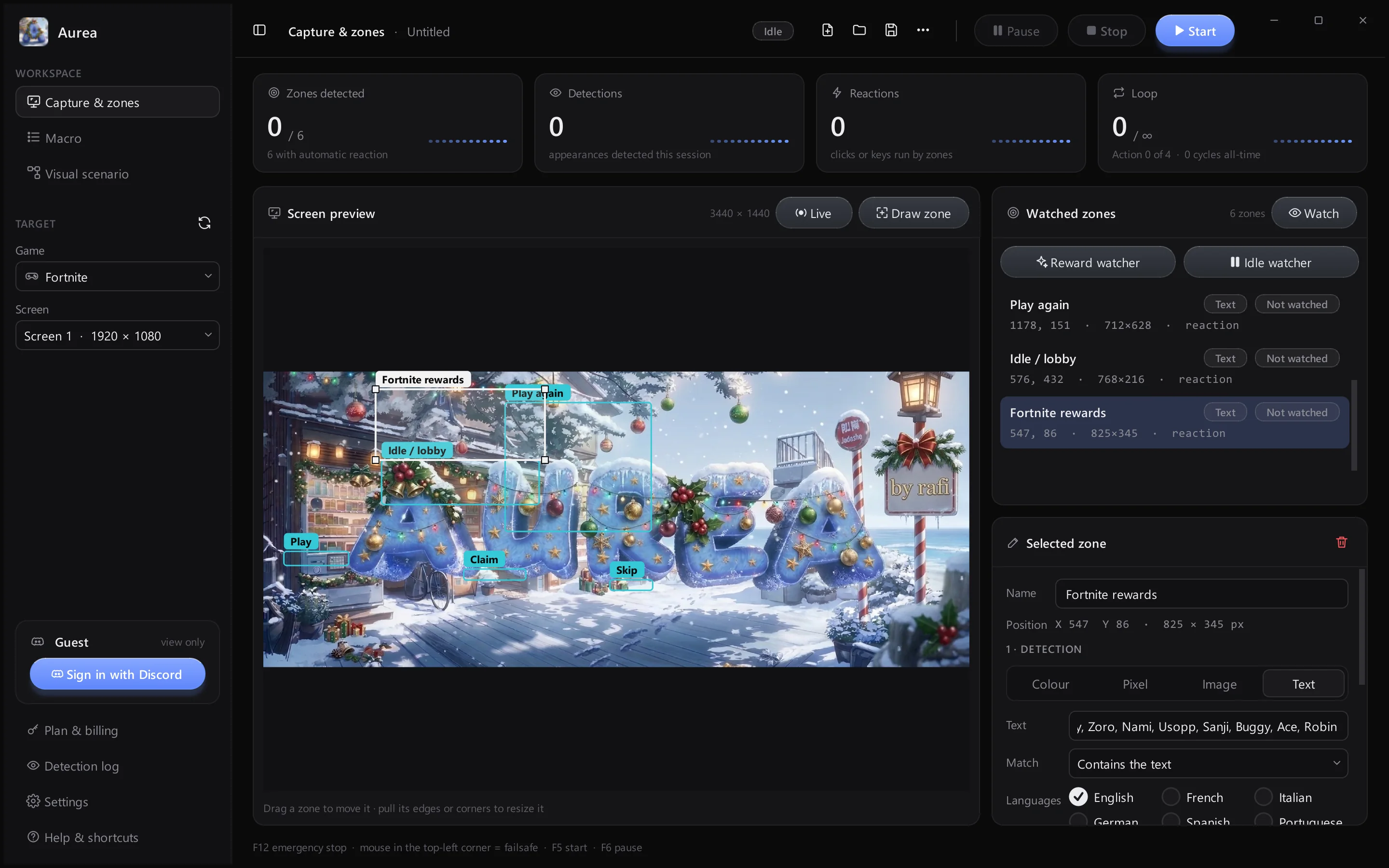
Aurea main window
The whole workspaceSidebar, live counters, screen preview and zones, all in one window.
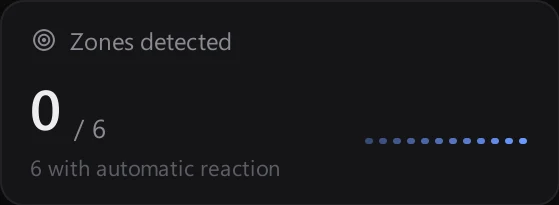
Live countersZones detected, detections, reactions and loops update while it runs.
Screen previewYour screen, with every zone and its name drawn on top.
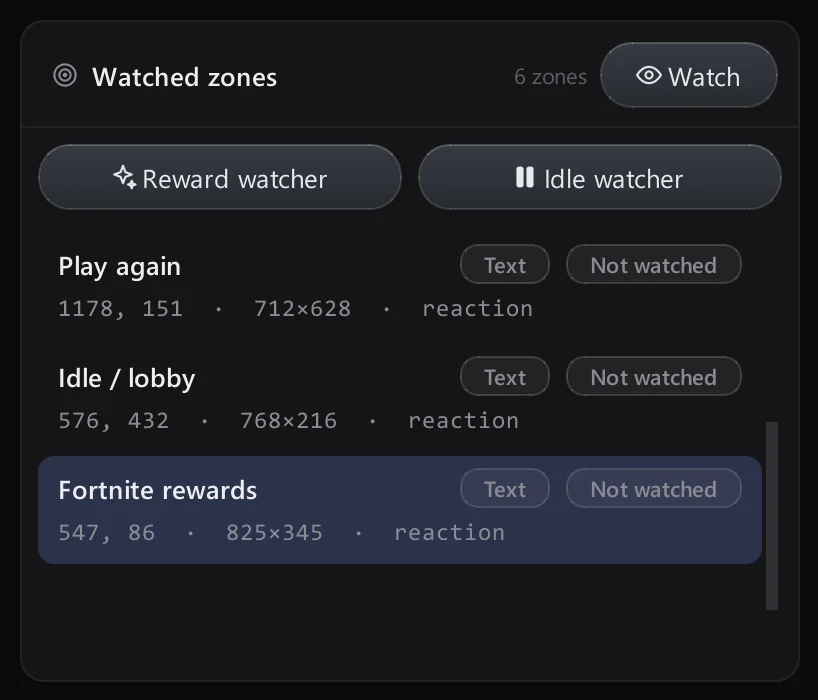
Watched zonesEach zone with its detector and whether it is being watched.
Zone inspectorName, position, detector and reaction for the selected zone.
Ready when you arePress Start, or F12 to stop everything.

Everything in one window

The parts you use every day, exactly as they look in Aurea.

Screen preview

Zones are drawn straight on a capture of your screen.

Screen preview

Watched zones

Every zone, its detector and state.

Watched zones

Live counters

Zones, detections, reactions, loops.

Live counters

Start, pause, stop

Big buttons, plus F5, F6 and F12.

Start, pause, stop

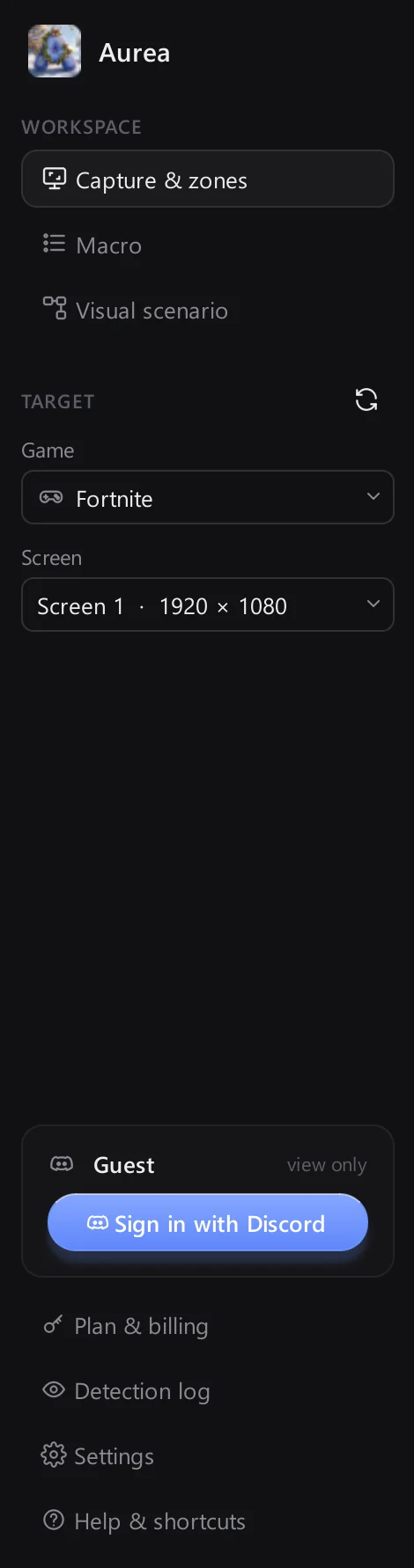
Pick your game

Input goes only to the game you choose.

Pick your game

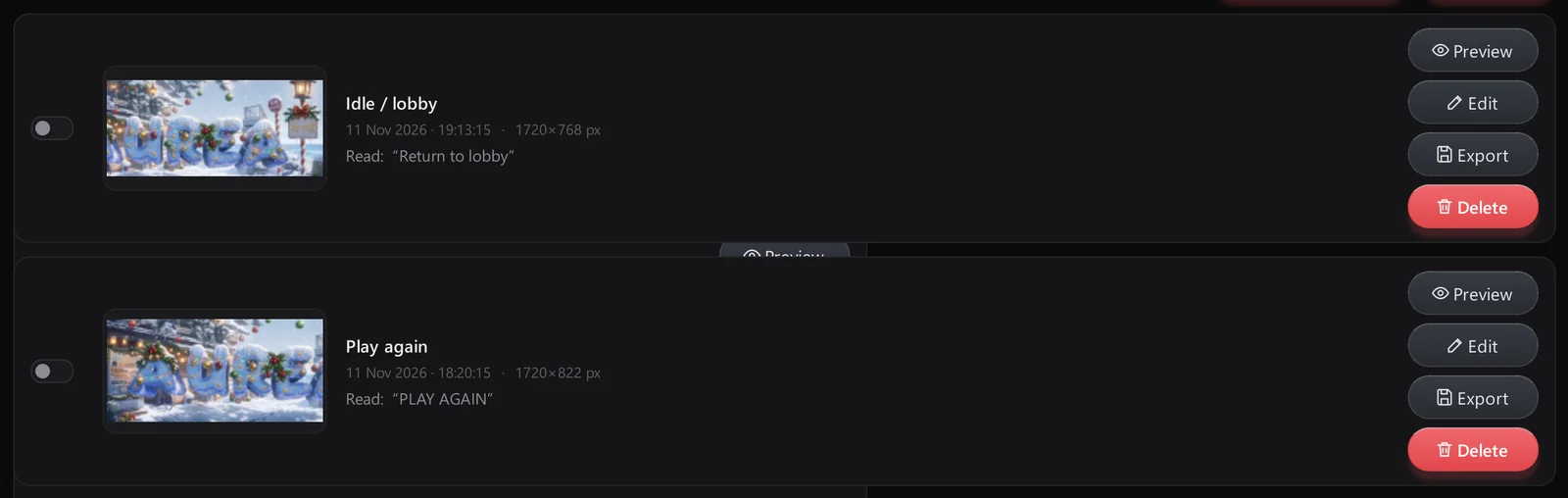
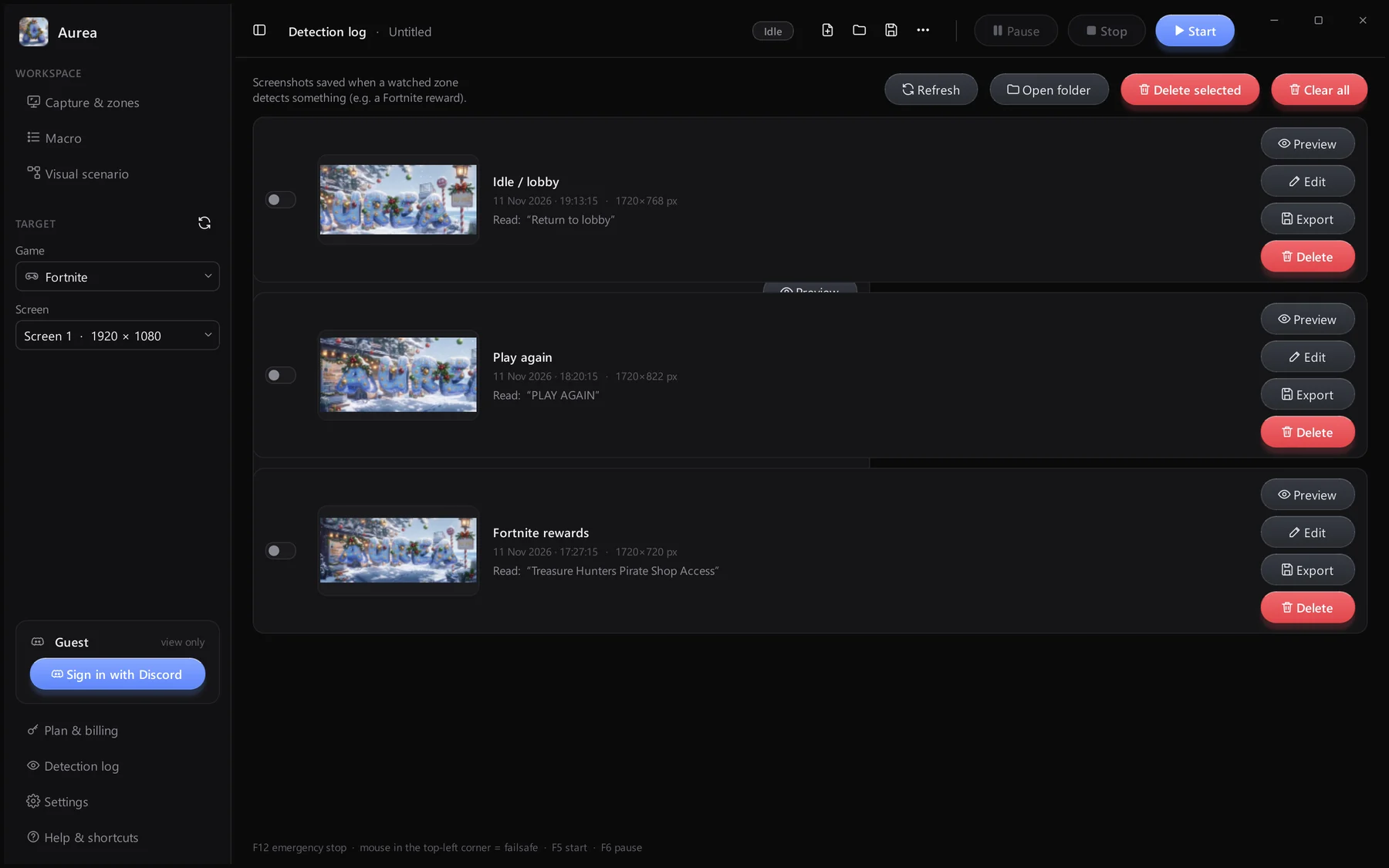
Detection log

Thumbnails, time, size and the text that was read.

Detection log

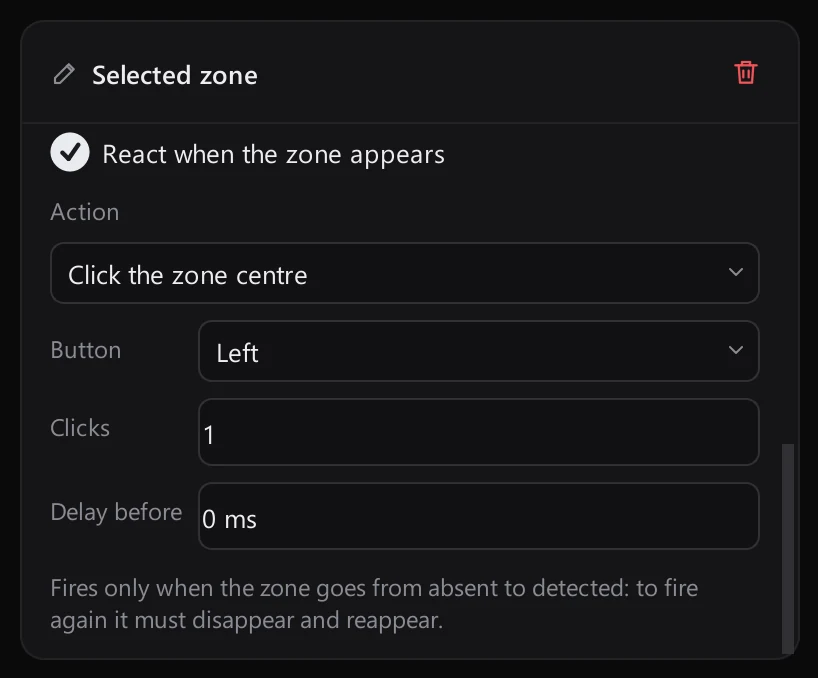
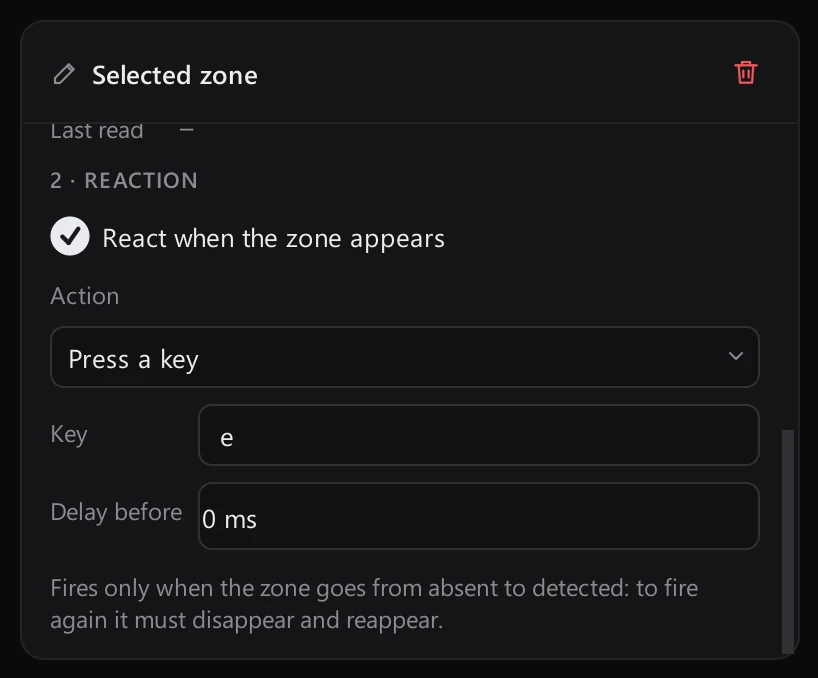
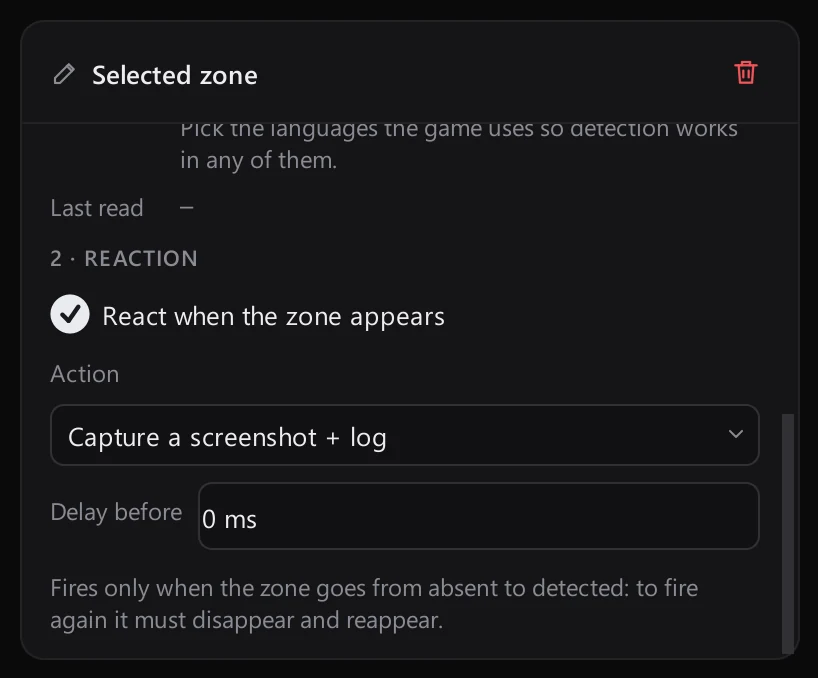
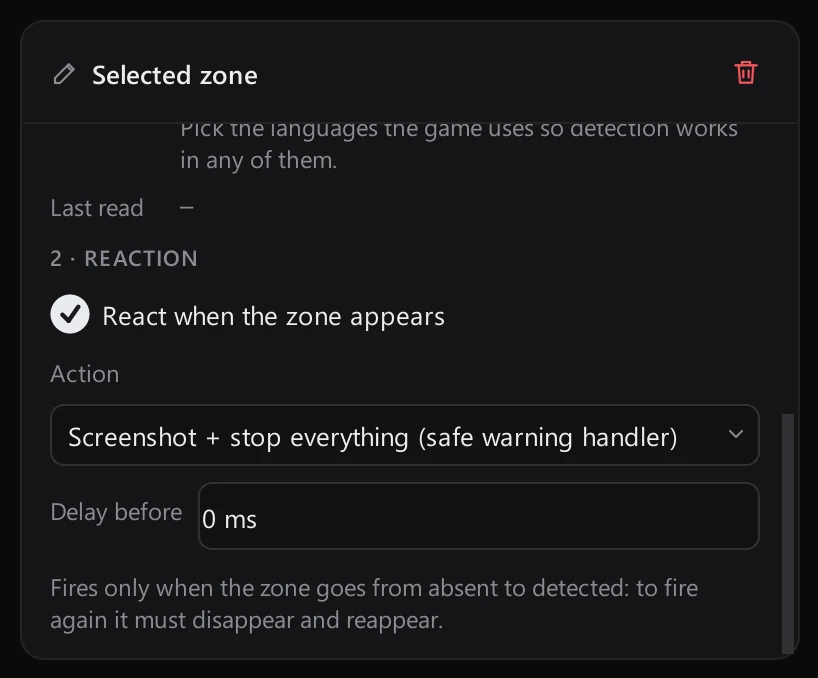
React in a heartbeat

Each zone gets its own reaction, set in the same inspector.

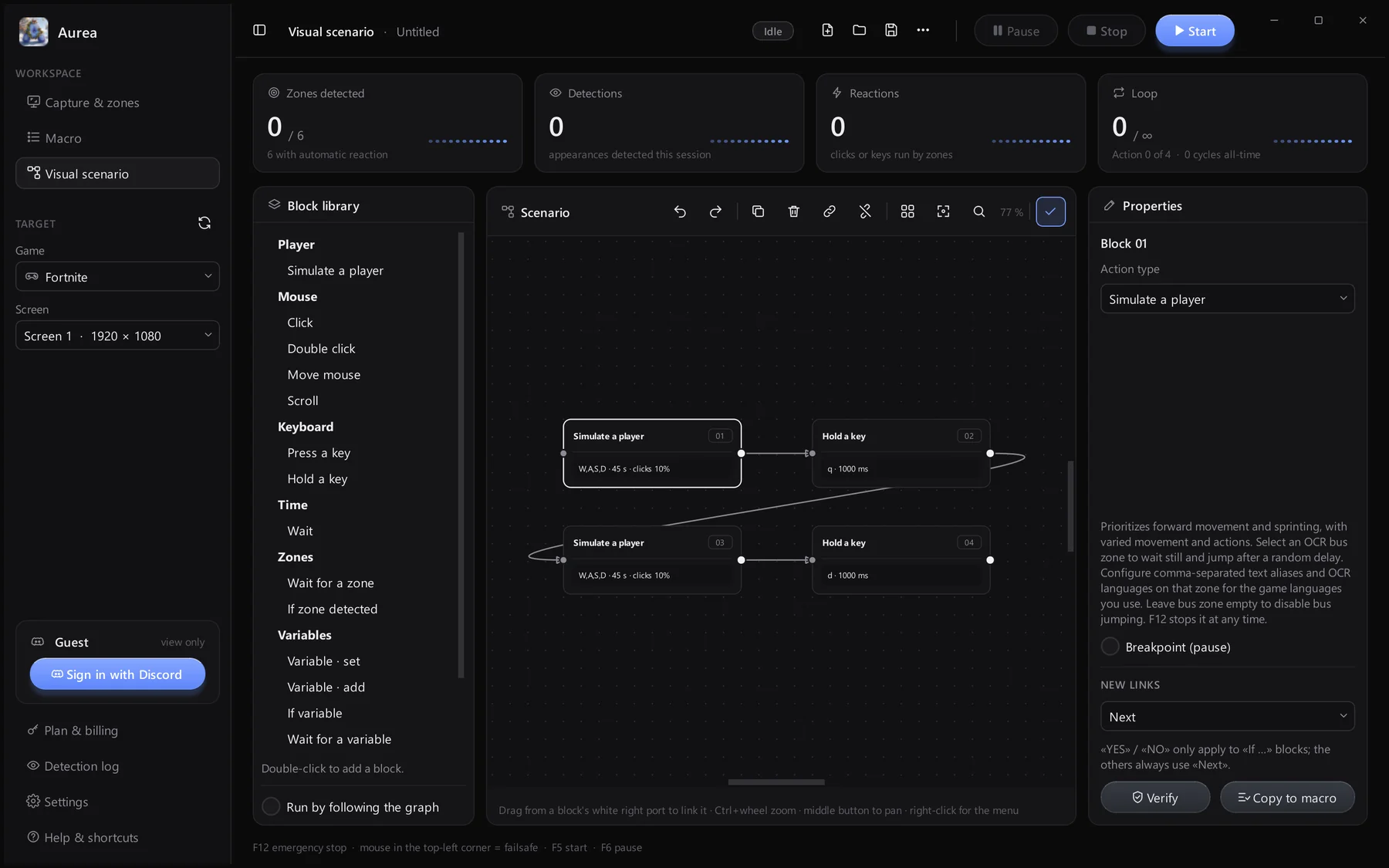
Visual scenarios

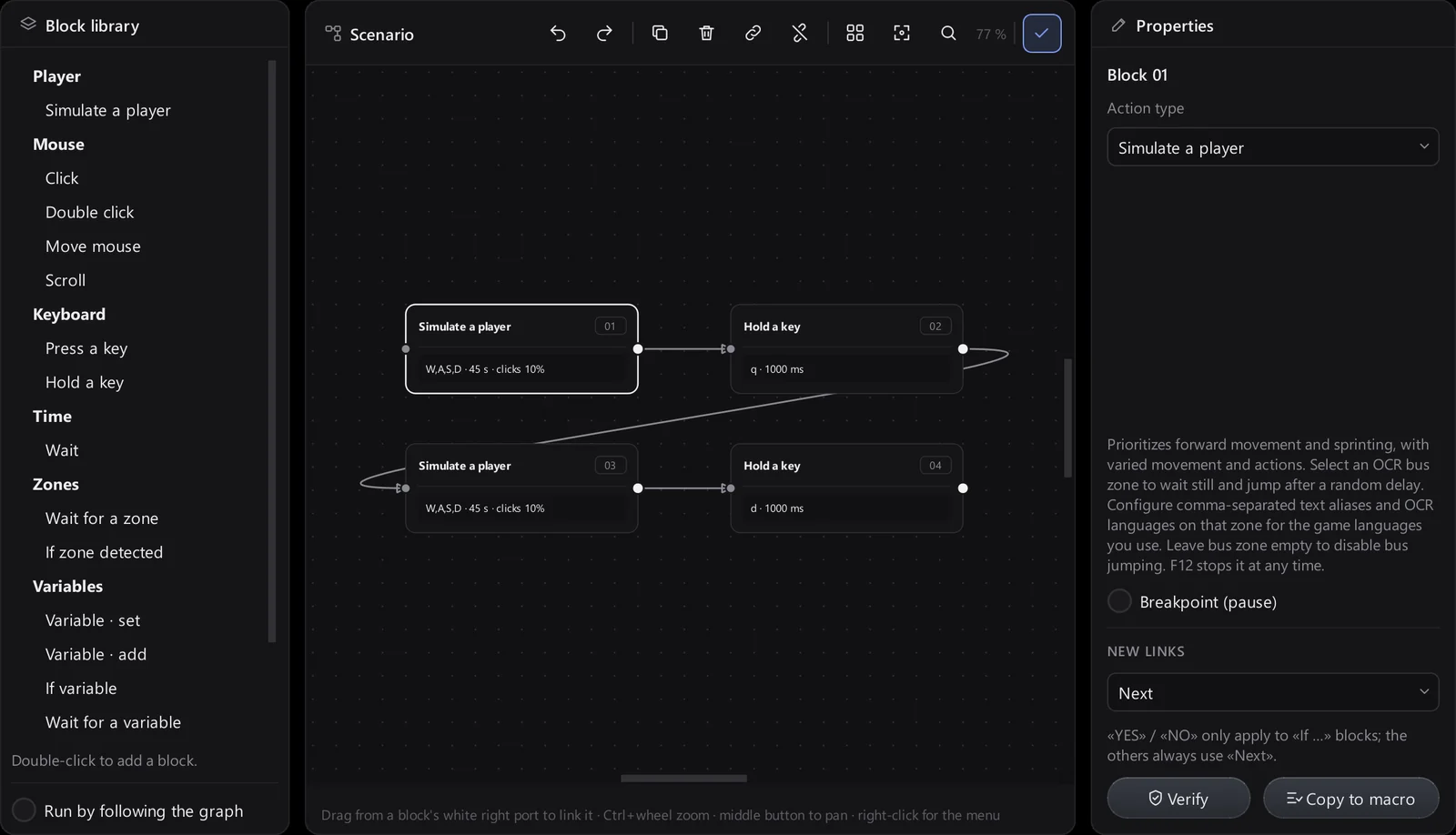
Node editor

When a list is not enough, place blocks on a canvas and link them. The block library is on the left and the selected block's properties on the right.

Visual scenario editor

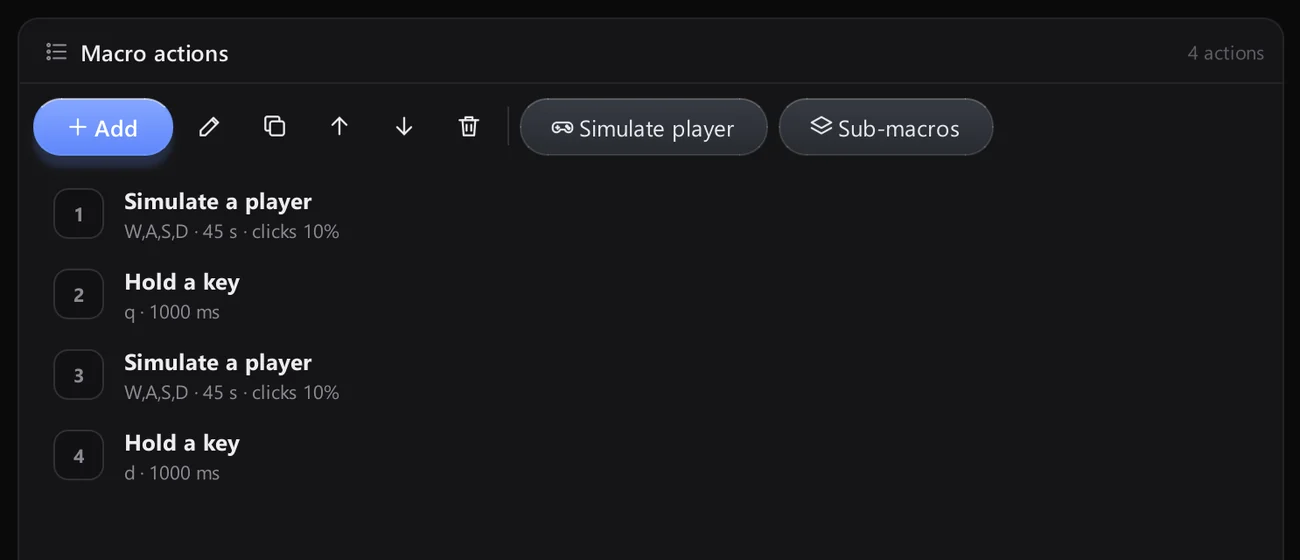
Macro builder

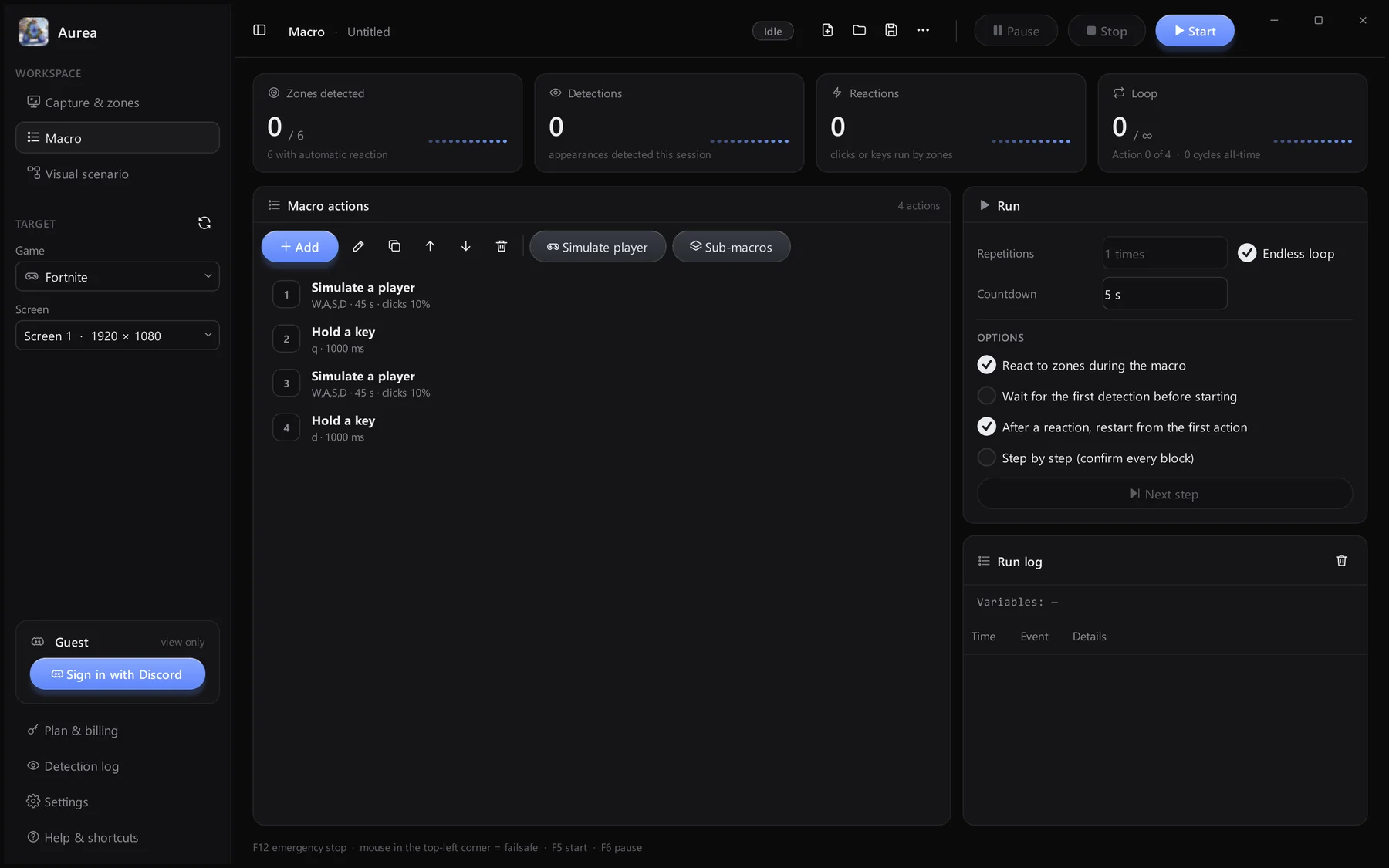
Line up actions in a simple list: simulate a player, hold or press keys, click, wait. Move, copy and edit them from the toolbar.

  • Ordered list of actions
  • Saved as .aurea.json profiles
Macro actions list

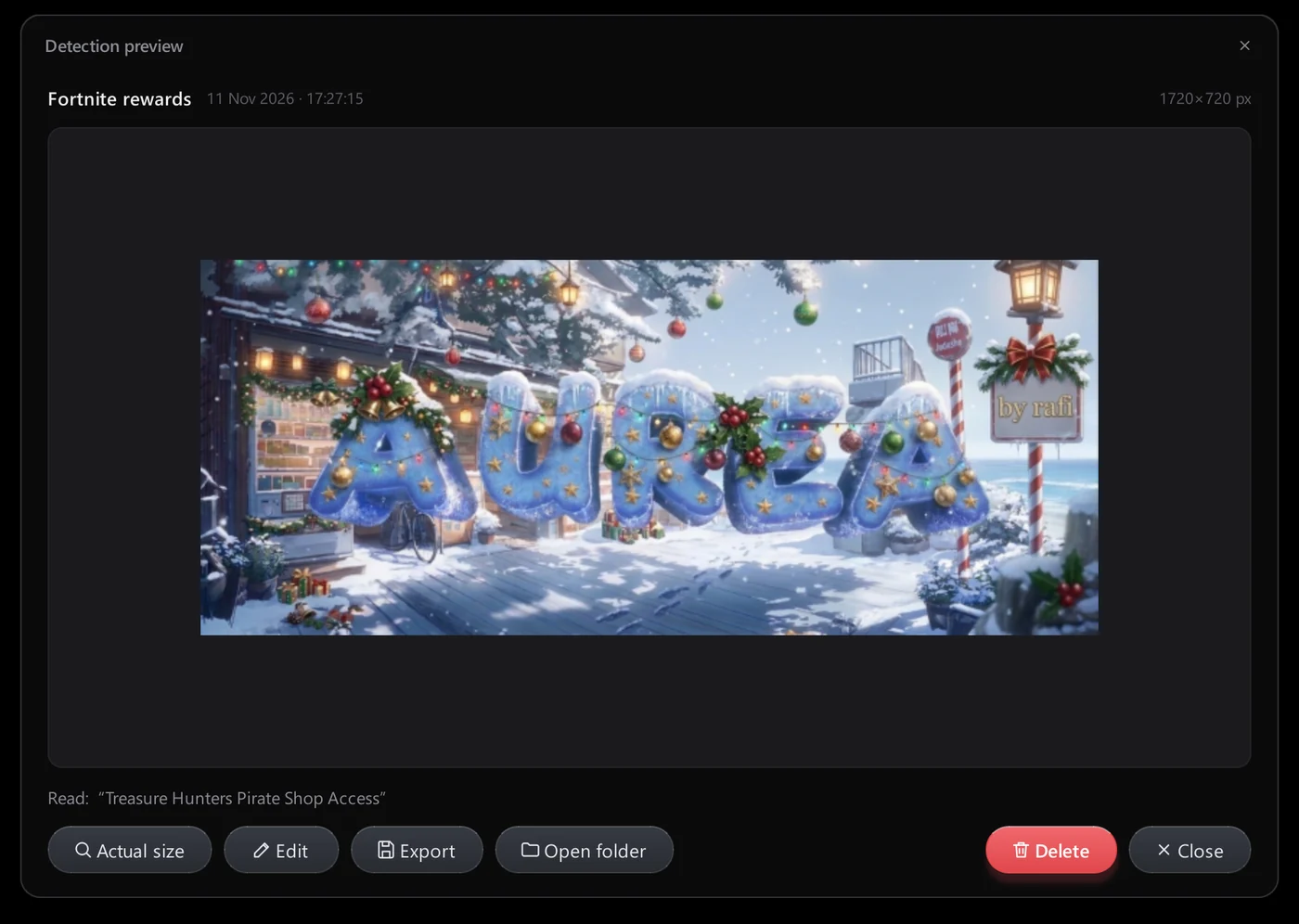
See every detection

Open any capture in the preview, switch between Fit and actual size, then edit, export or delete it.

  • Fit or actual size
  • Export a copy
Detection preview window

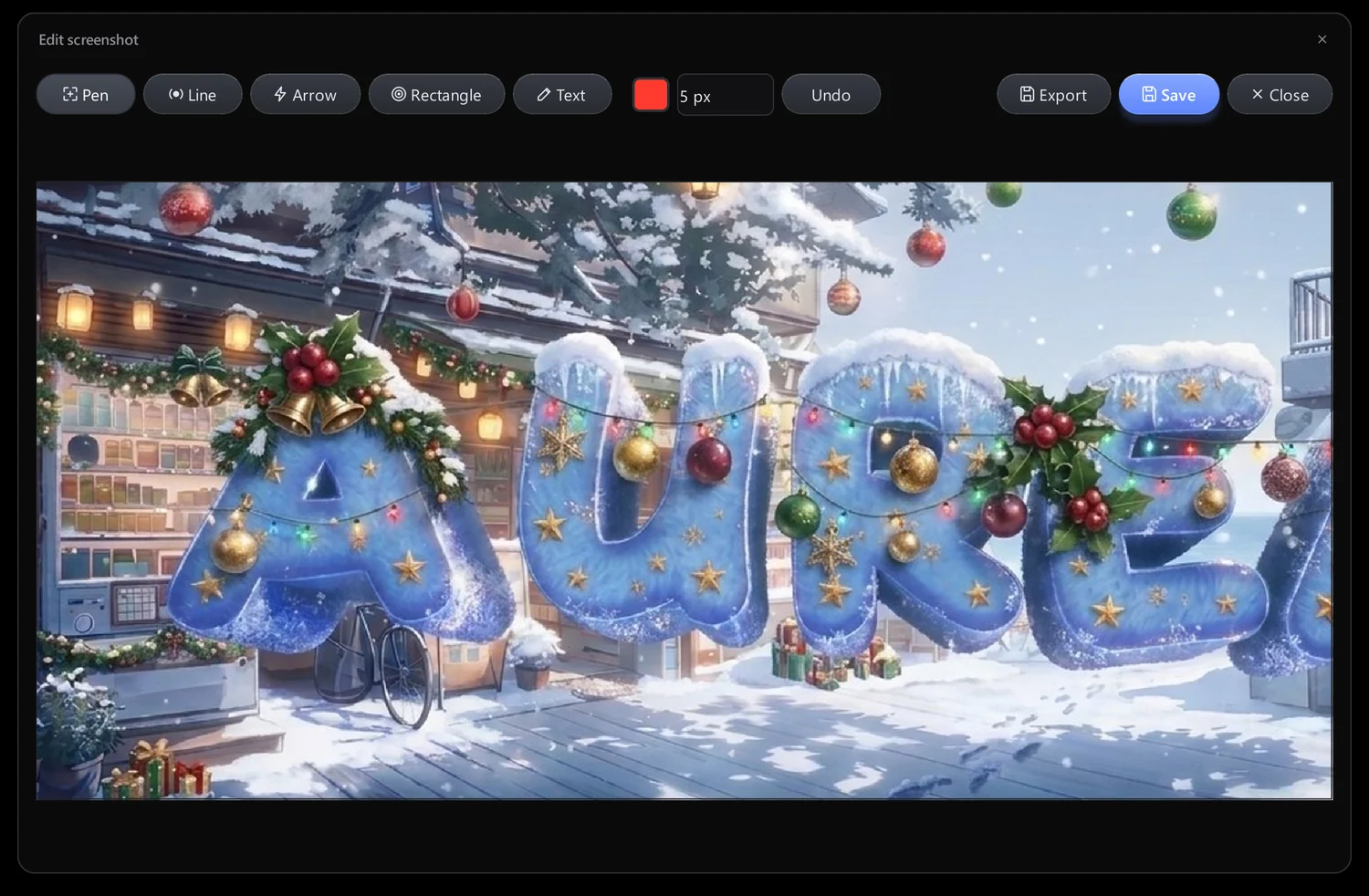
Mark it up

The built-in editor has pen, line, arrow, rectangle and text, with colour, thickness and undo.

  • Draw on any capture
  • Undo
Image editor

Every screen of Aurea

Scroll through the real app, page by page.

Capture & zones
Capture & zonesDraw zones on a live preview of your screen
Macro
MacroAn ordered list of actions with run options
Visual scenario
Visual scenarioBlocks and links on a canvas
Detection log
Detection logEvery screenshot with zone, time and text
Settings
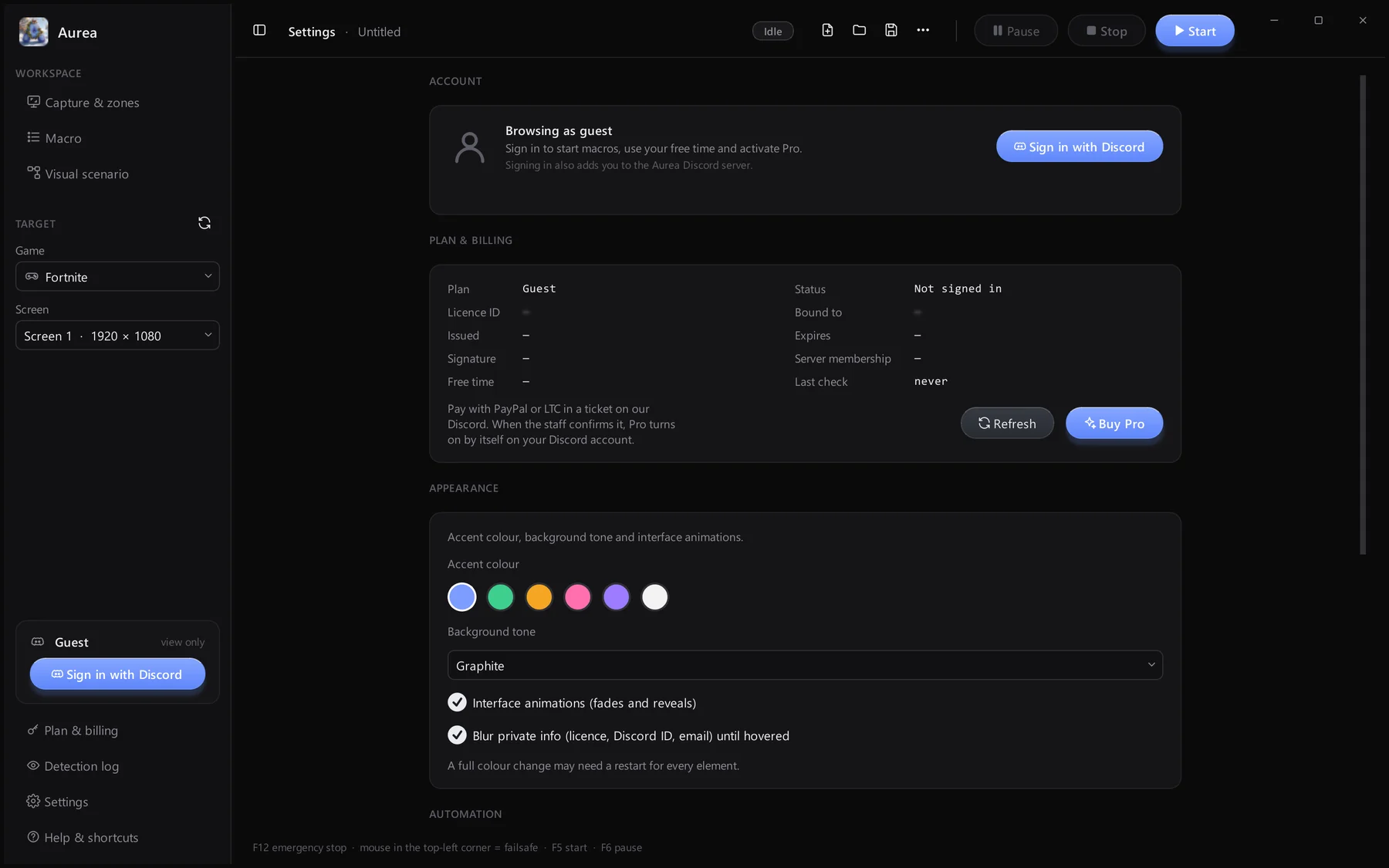
SettingsAccount, plan, appearance and automation
Aurea Pro
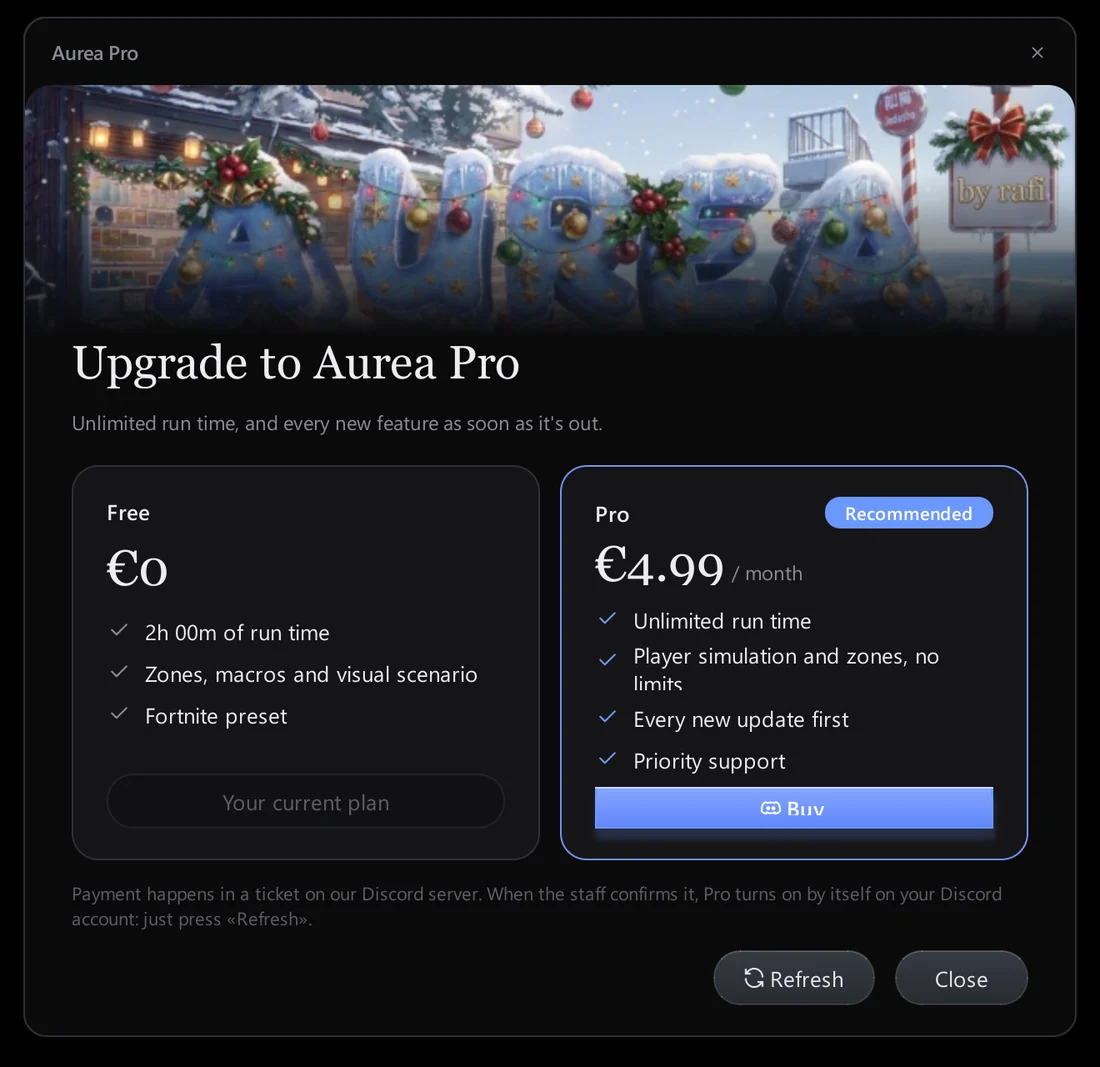
Aurea ProUpgrade from inside the app

Changelog

Fresh with every release

Free

updates, installed automatically

See the full changelog