 Aurea
One preview. Every zone.
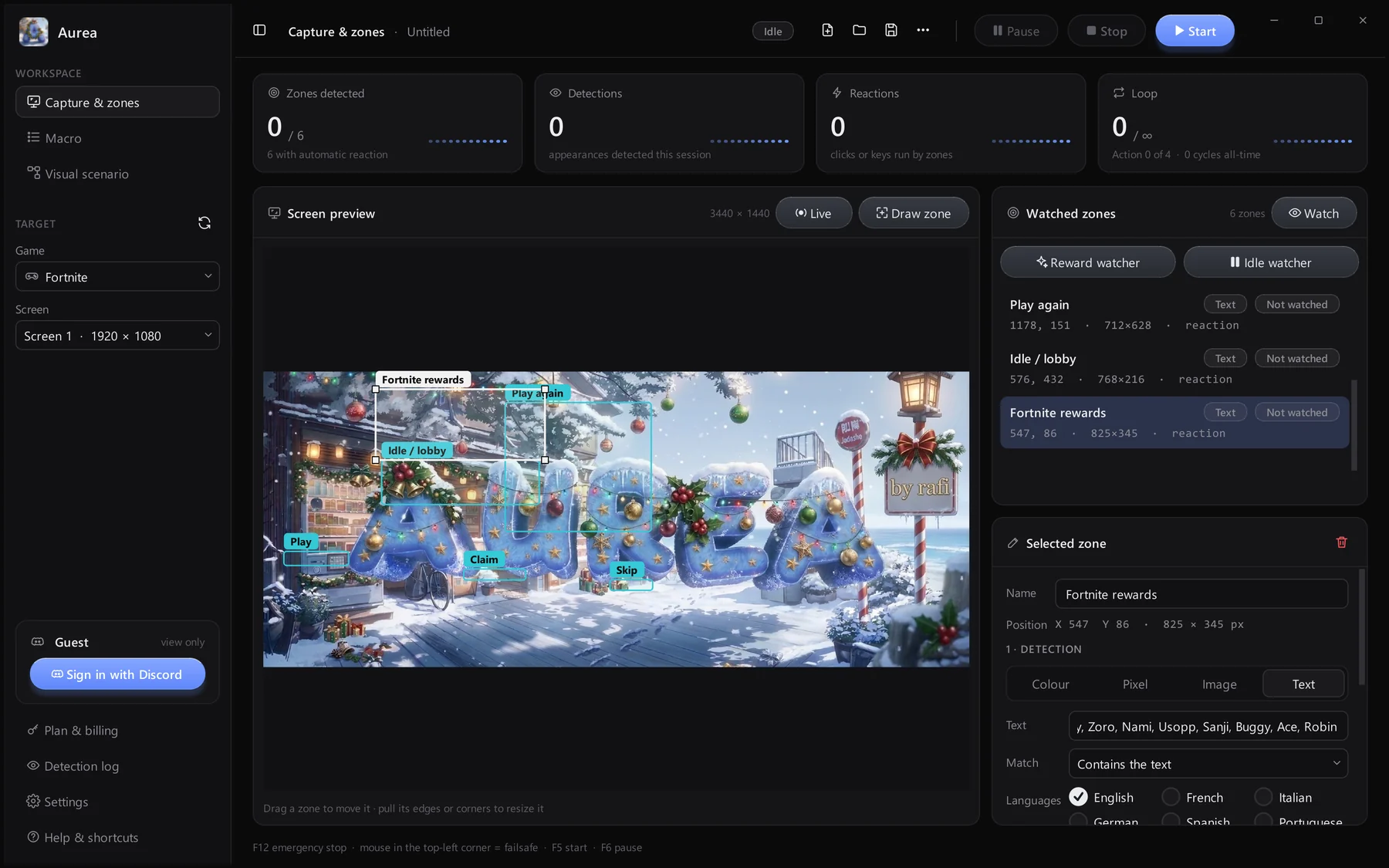
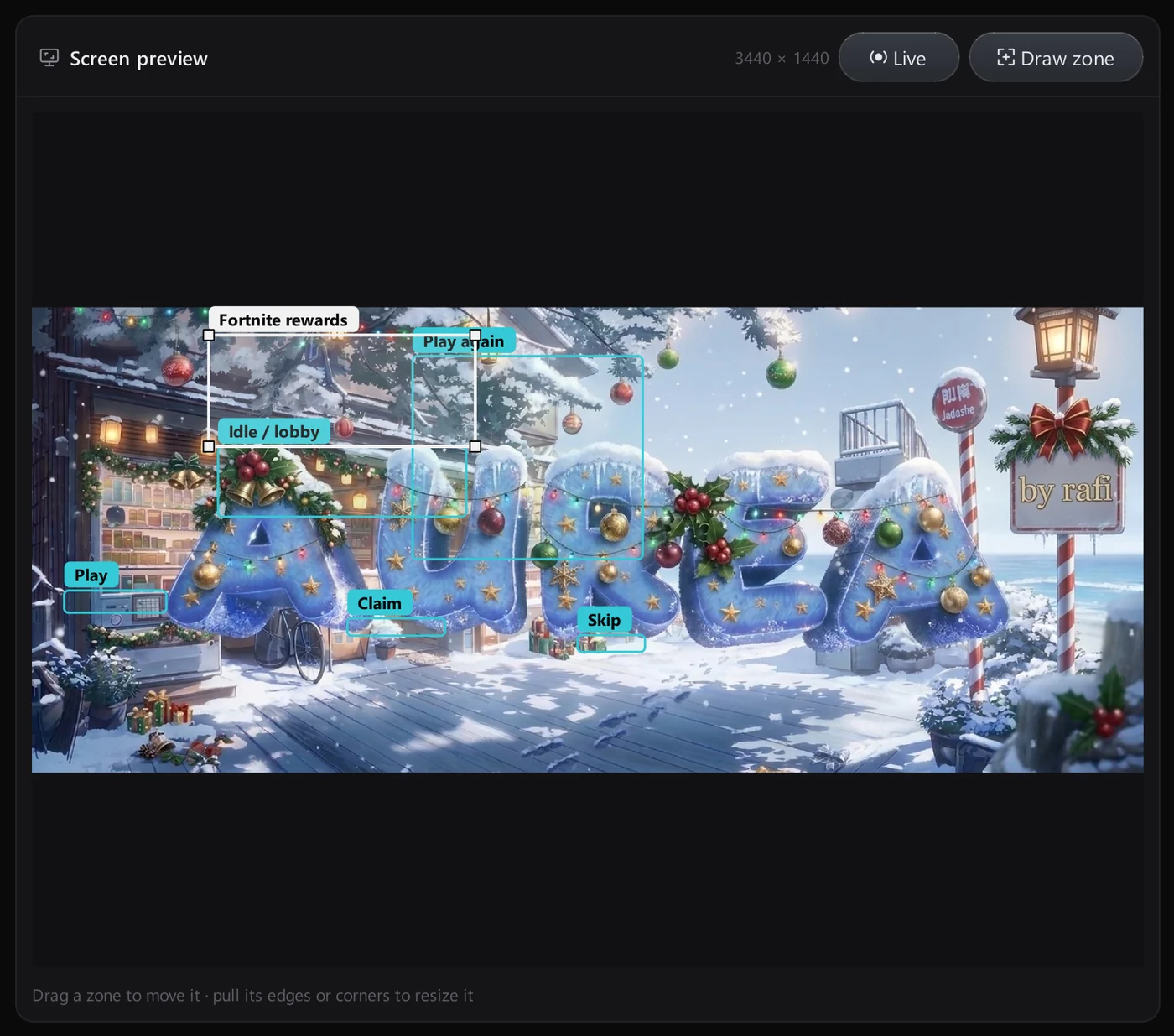
The screen preview shows a capture of the screen you chose, with every zone drawn on top. Drag to move a zone, pull its edges to resize it.
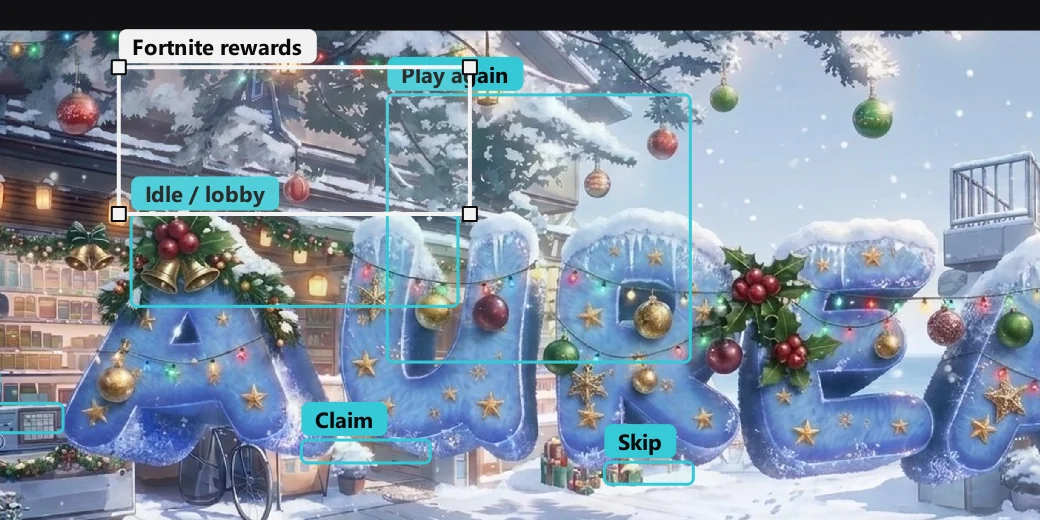
Detect, react and log
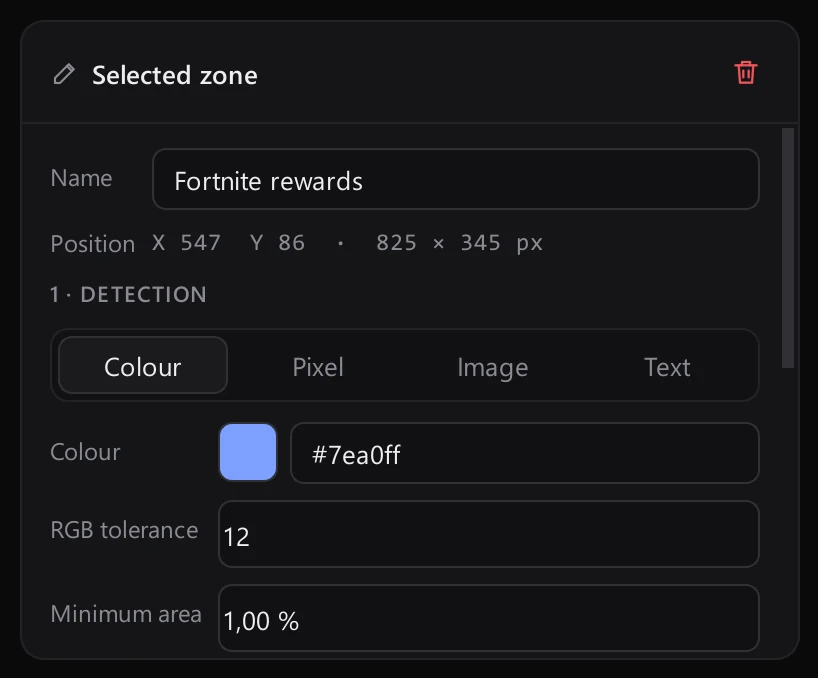
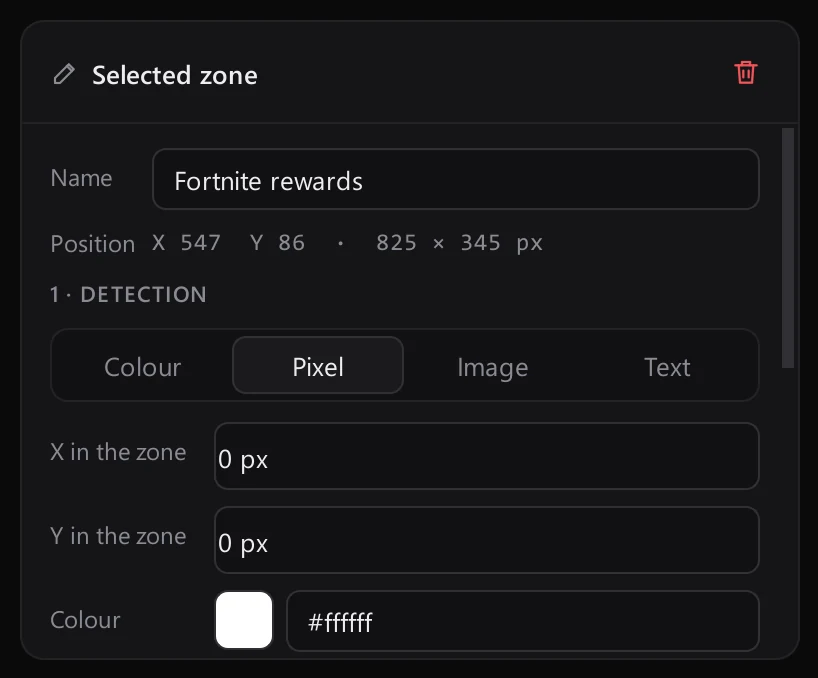
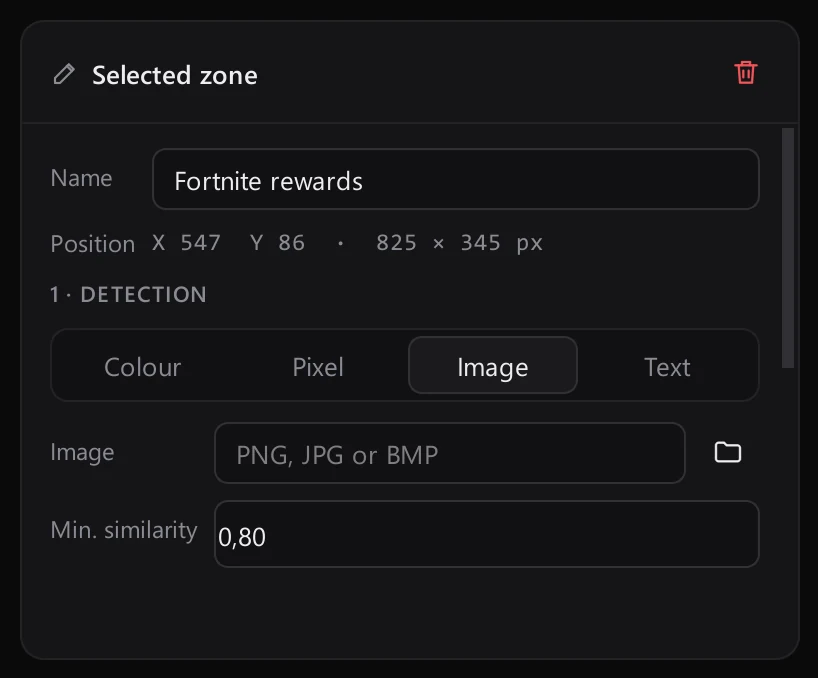
Choose the detector in the zone inspector. Each one shows only the settings it needs.
Pick a colour and a tolerance. The zone fires the moment that shade fills enough of it.
Watch a single pixel and react the instant it changes.
Give Aurea a reference picture and it finds it anywhere inside the zone.
Read the zone with OCR and match any of your keywords, in up to eight languages.
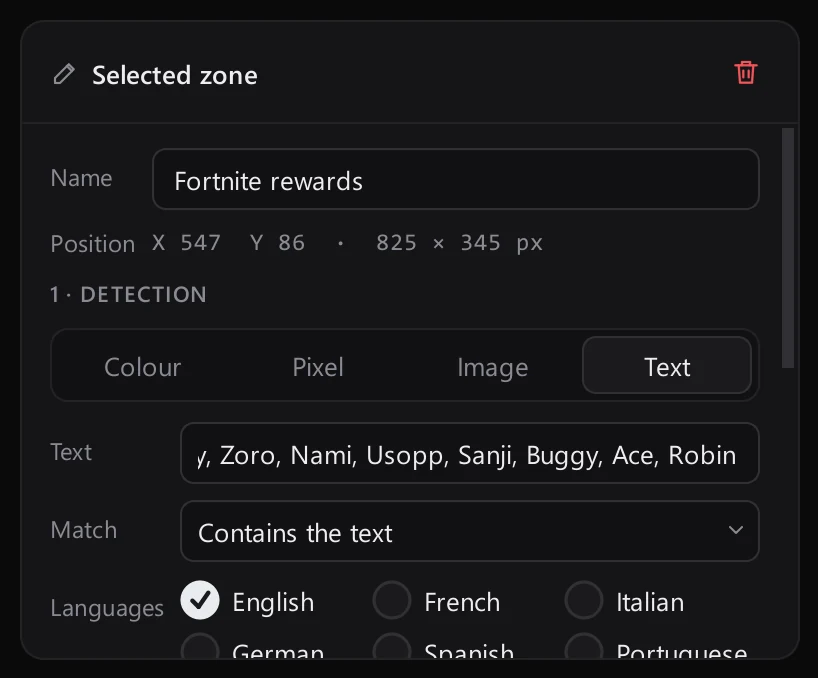
Reward and idle watchers
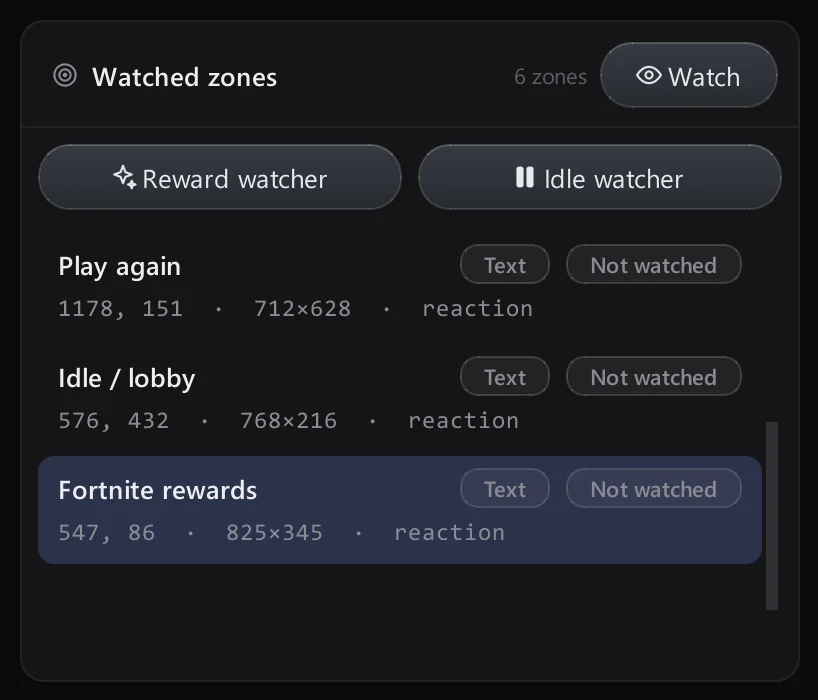
Two buttons above the zone list add ready-made zones: one that captures reward banners, one that spots idle or lobby screens and stops the run.
- Reward watcher
- Idle watcher
Text recognition
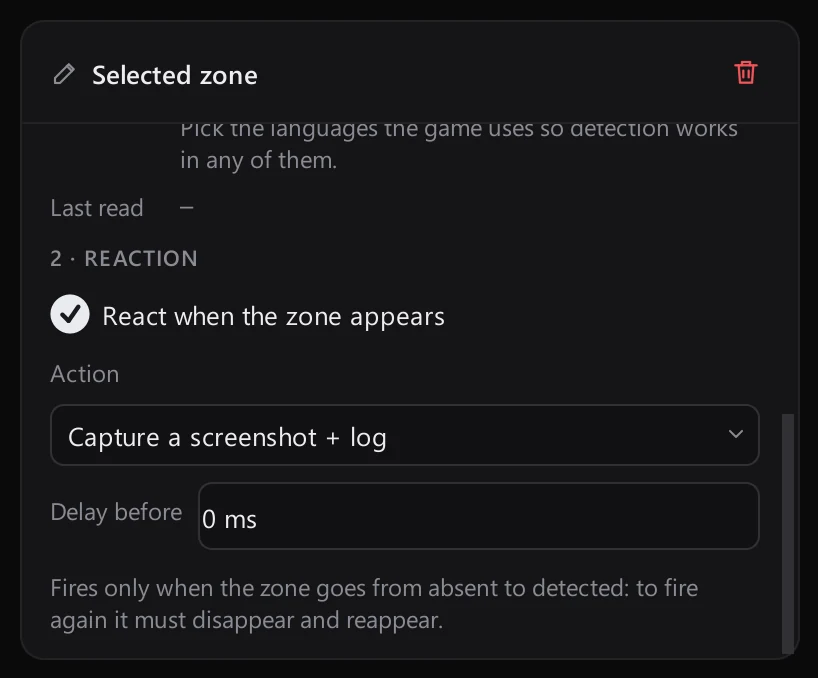
Pick the languages the screen uses. English, French, Italian, German, Spanish, Portuguese, Polish and Turkish can all be combined.
- 8 languages, combinable
- Read every 0.8 s, gentle on the CPU
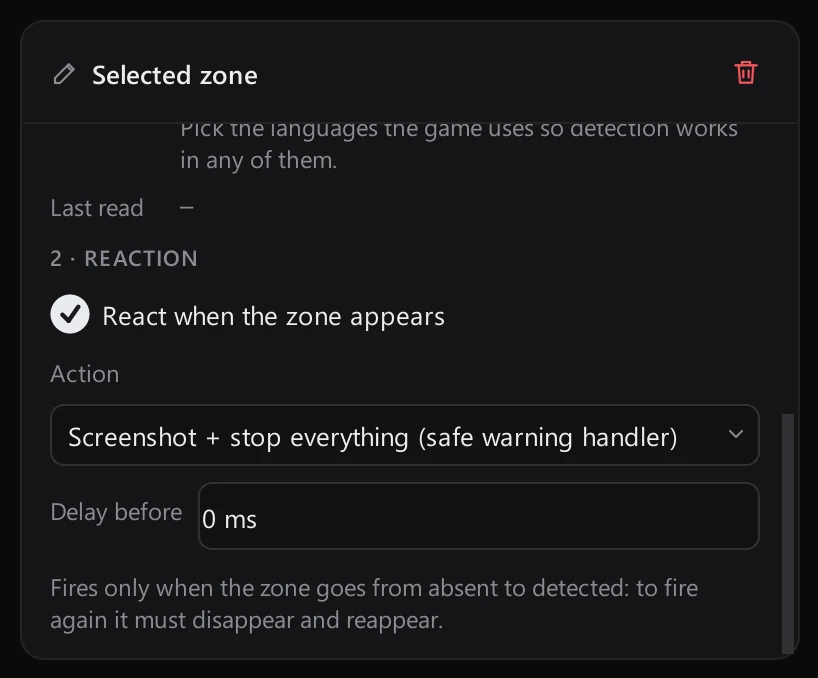
Pair any zone with a screenshot reaction and keep a record of everything Aurea saw.
Screenshot + log
Full-screen capture with zone, time, size and text.
Screenshot + stop
Captures the screen and halts every macro.