 Aurea
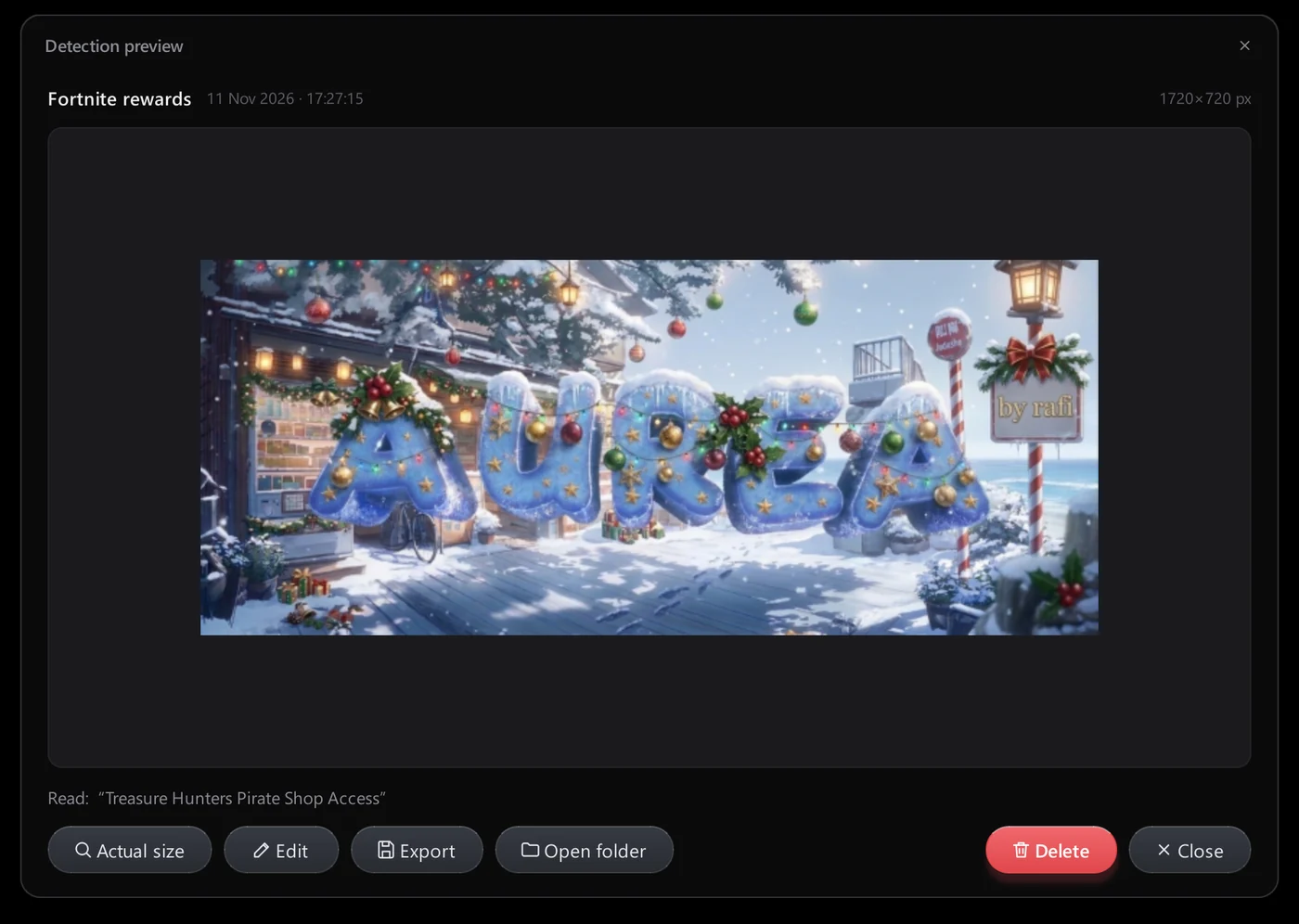
Preview and zoom
Click any thumbnail to open it in Aurea. Switch between Fit and actual size, then export a copy or open the folder.
- Fit or actual size
- Export a copy
Mark it up
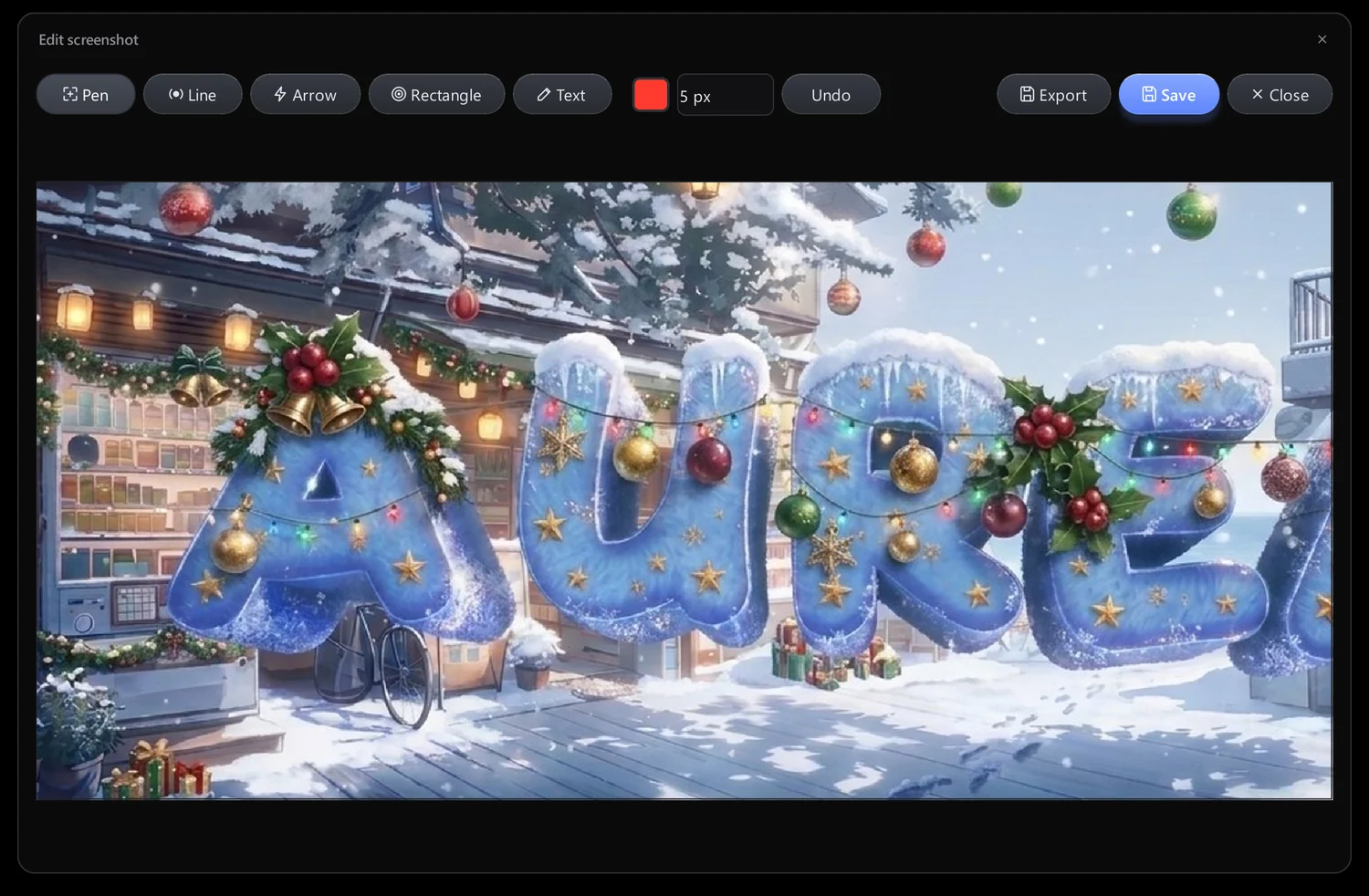
Draw on a capture with pen, line, arrow, rectangle and text. Choose colour and thickness, undo mistakes, then save or export.
- Pen, line, arrow, rectangle, text
- Undo
Organised and tidy
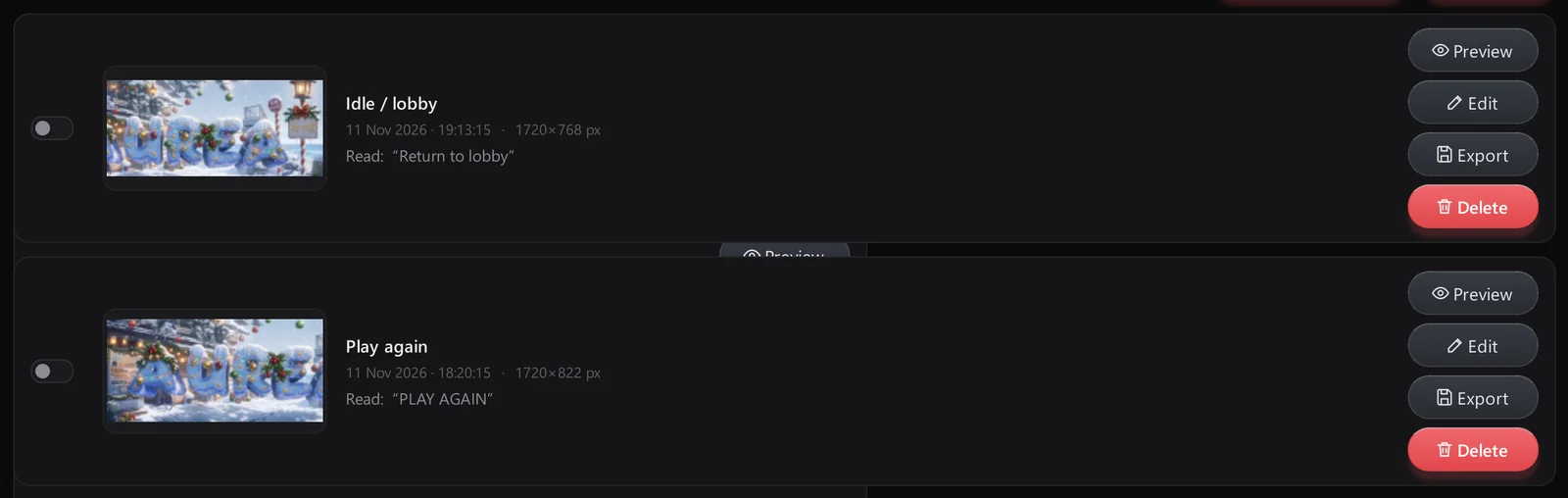
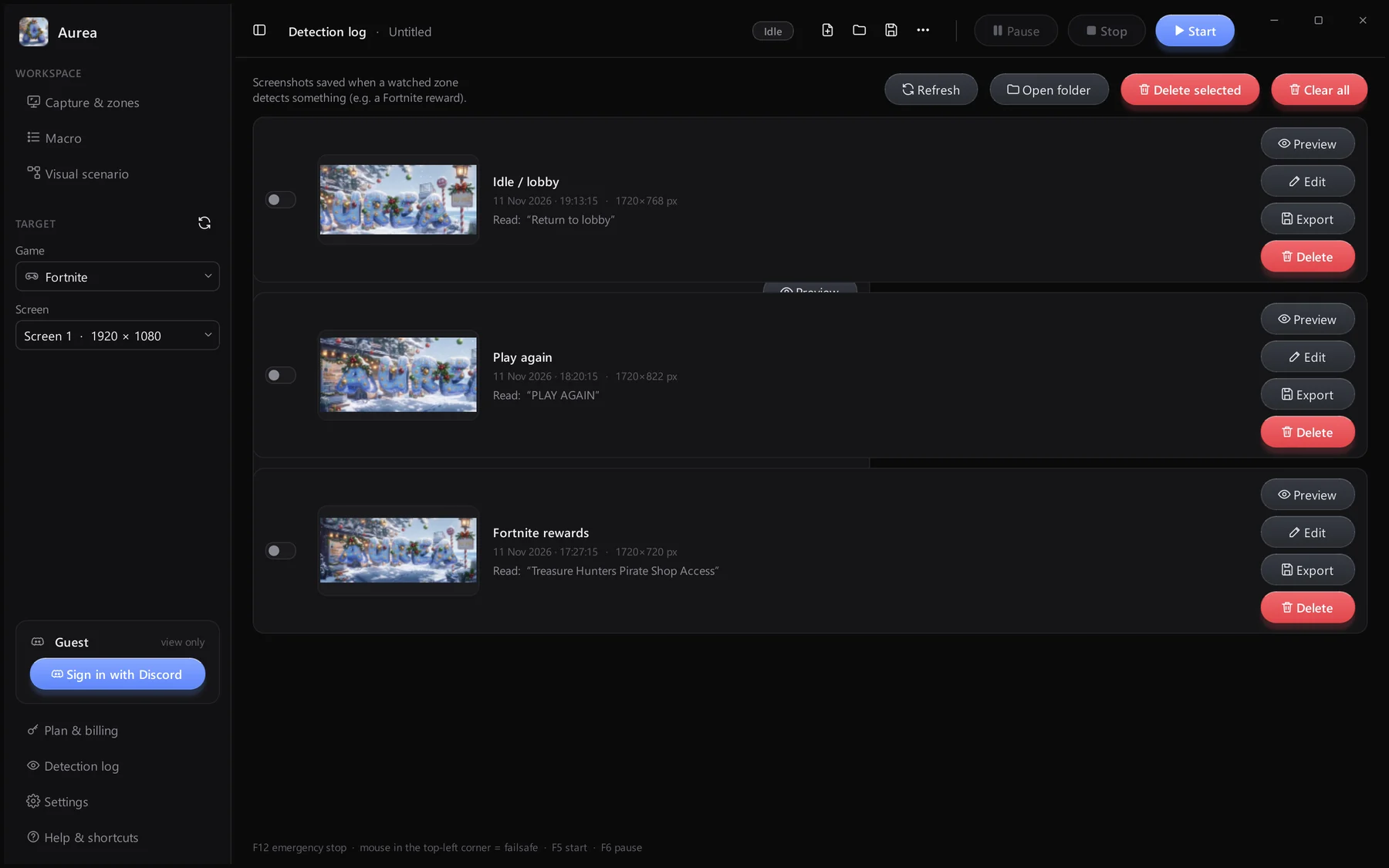
Each row shows the zone, date, size in pixels and the text that was read. Tick several rows and delete them together, or clear everything.
- Delete one, selected or all
- Open the captures folder
Captures and bug reports stay in your AppData folder. Nothing is uploaded or sent anywhere.
Stays on your PC
%APPDATA%\Aurea\captures
Your account, your data
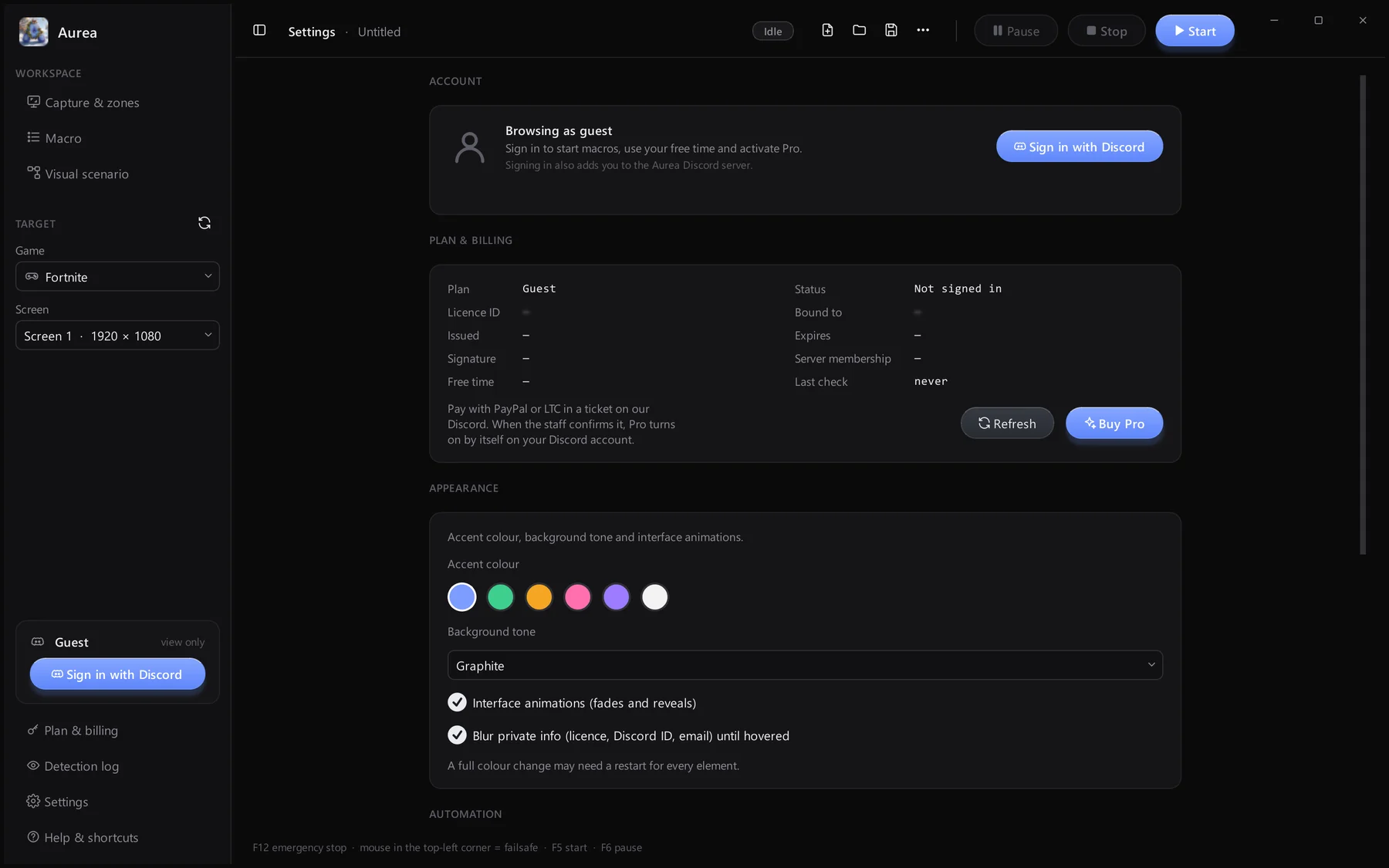
Licence and Discord details are blurred until you hover them.